EasyManua.ls Logo

Metrologic MS9520 - User Manual

Metrologic MS9520
53 pages
Print Icon
To Next Page IconTo Next Page
Loading...
QUESTIONS?
Ask the experts at POSMicro.com.
1.800.241.6264
Live Chat Now
support@POSMicro.com
Monday - Friday 6 AM to 5 PM Pacic Time
BULK DISCOUNTS
FREE SHIPPING*
SE HABLA
ESPAñOL
*Free ground shipping to the continental USA on orders over $100.
For Help Call
1.800.241.6264
Honeywell MS9520
Manual
THIS DOWNLOAD APPLIES TO THE FOLLOWING
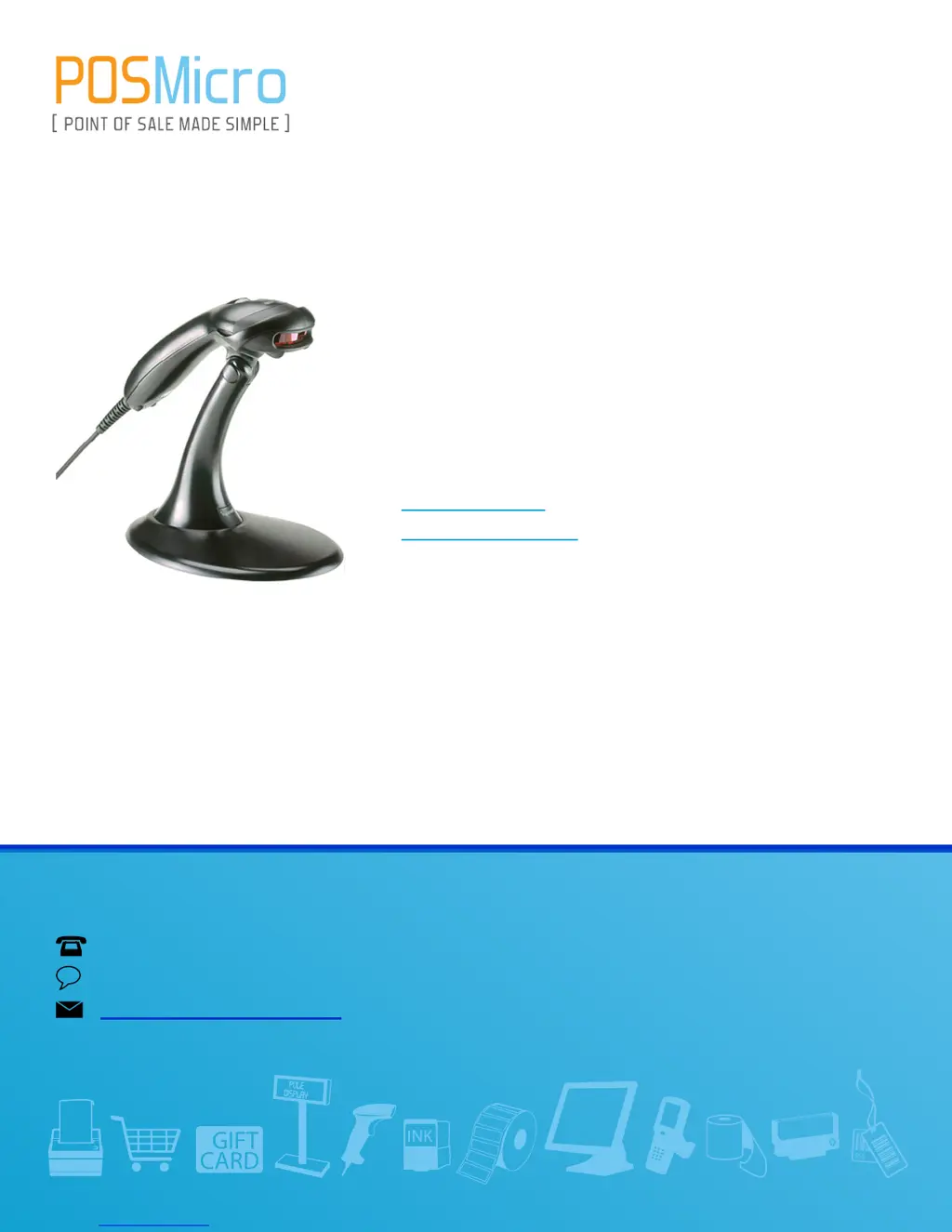
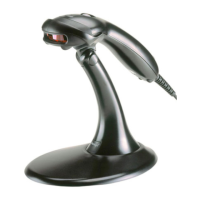
MS9520 Voyager
MS9521 Voyager HD

Questions and Answers

Summary

Scanner and Accessories

Operational Test

Scanner Readiness Check

Steps to verify the scanner is ready to scan, including LED and beep indicators.

Installing Scanner via USB

USB Connection Procedure

Instructions for connecting the scanner to a host system using a USB interface.

Installing Scanner via Keyboard Wedge

Keyboard Wedge Connection

Steps for connecting the scanner using a keyboard wedge interface.

Using CodeGate Feature (MS9540)

Assembling Scanner Stands

Wall Mounting the Scanner

Understanding Audible Indicators

Understanding Visual Indicators

Troubleshooting Scanner Failures

Identifying Scanner Failures

Lists common failure modes and their associated audio/visual cues.

Scanner Programming Modes

Bar Code Programming

How to configure the scanner by scanning bar codes from a guide.

MetroSet 2 Configuration

Using the Windows-based MetroSet 2 software for scanner configuration.

Upgrading Scanner Firmware

Meteor Program for Firmware Updates

Instructions for using the Meteor program to upgrade scanner firmware.

Scanner Applications and Protocols

Troubleshooting Guide

Common Scanner Issues and Solutions

A guide to diagnosing and resolving common scanner problems.

Design Specifications

Default Settings Overview

Scanner Pinout Connections

Pin Definitions for Interfaces

Details the pin assignments for different scanner interfaces and protocols.

Cable Connector Configurations

Host End Cable Connections

Describes the connector configurations at the host system end of cables.

Notices and Safety Precautions

Metrologic MS9520 Specifications

General IconGeneral
Scan PatternSingle line
Light Source650 nm visible laser diode
Voltage5 VDC ± 0.25 V
Scan Speed72 scan lines per second
Decode CapabilityAll standard 1D symbologies
Dimensions198 mm x 78 mm x 56 mm
Weight149 g
InterfaceKeyboard wedge, RS232, USB, OCIA
Minimum Bar Width0.127 mm
Operating Temperature0°C to 40°C
Storage Temperature-40°C to 60°C
Humidity5% to 95% (non-condensing)
Light Levels4842 Lux
Drop SpecificationDesigned to withstand 1.5 m drops
Decoding CapabilityAll standard 1D symbologies

Related product manuals