EasyManua.ls Logo

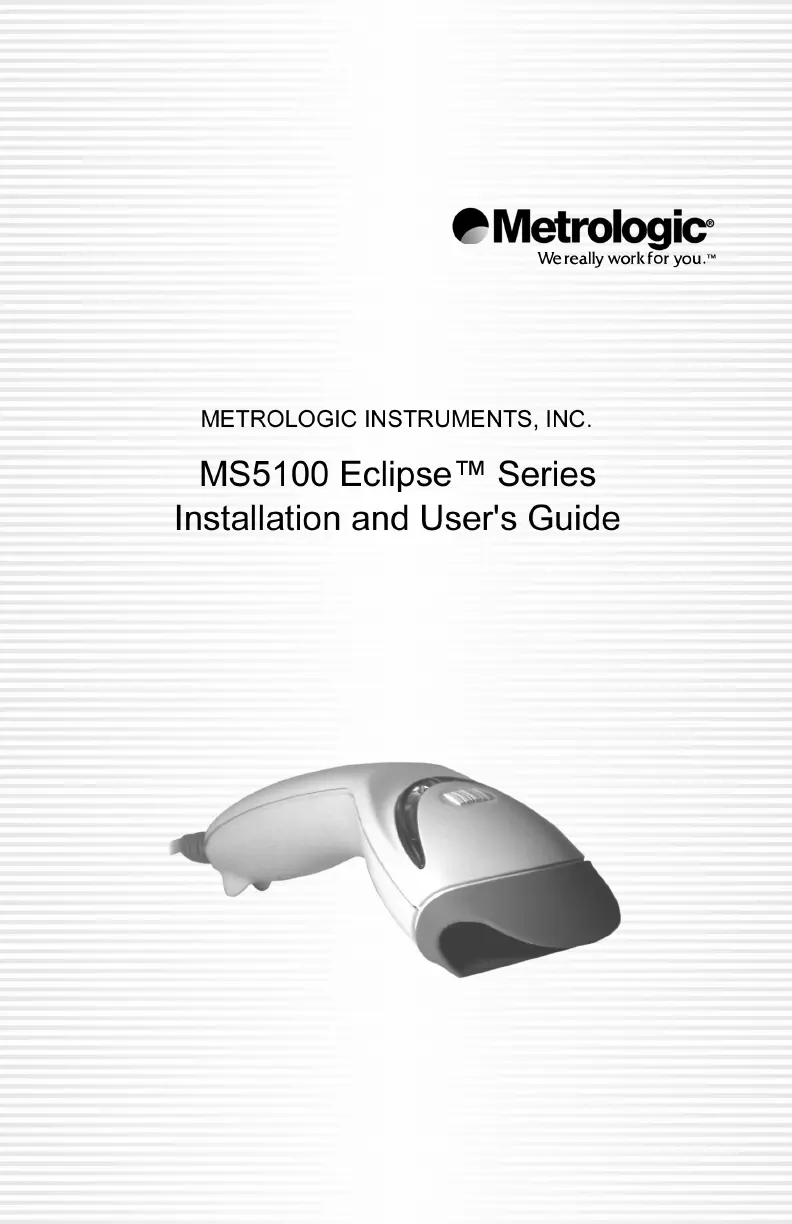
Metrologic MK5145-31A38 - User Manual

Metrologic MK5145-31A38
52 pages
Print Icon
To Next Page IconTo Next Page
Loading...

Other manuals for Metrologic MK5145-31A38

Questions and Answers

Summary

Introduction to the MS5145 Eclipse Scanner

Installation Procedures

RS232, Light Pen or Laser Emulation

Step-by-step guide for connecting the scanner via RS232, Light Pen, or Laser Emulation.

IBM 46 xx or OCIA

Instructions for installing the scanner using IBM 46xx or OCIA interfaces.

Keyboard Wedge

Guide for connecting the scanner using the Keyboard Wedge interface.

Stand-Alone Keyboard

Steps to install the scanner for use as a Stand-Alone Keyboard.

USB: Low Speed & Full Speed

Instructions for connecting the scanner via USB Low Speed or Full Speed.

Scanner Operation

CodeGate and Manual Activation Modes

Explains how to use the CodeGate and Manual Activation features.

Troubleshooting Guide

Common Issues and Solutions

Lists common problems, their causes, and solutions for various scanner issues.

RS232 Demonstration Program

Default Settings

Upgrading the Flash ROM Firmware

Scanner and Cable Terminations

Regulatory Compliance

Safety Precautions

Provides essential safety information regarding laser exposure.

Metrologic MK5145-31A38 Specifications

General IconGeneral
Tilt Angle± 60°
Skew Angle± 60°
Operating Temperature32°F to 122°F (0°C to 50°C)
Cable TypeStraight
Connectivity TechnologyWired
TypeLaser
InterfaceRS232
Scan Rate72 scans/sec
Light SourceLaser Diode
Resolution4 mil
Storage Temperature-40°F to 140°F (-40°C to 60°C)
Humidity5% to 95% relative humidity (non-condensing)
Drop SpecificationWithstands 1.5 m (5 ft) drops to concrete
Electrical Specifications5V DC +/- 10%
Cable Length6 ft
Scan PatternSingle line

Related product manuals