EasyManua.ls Logo

Metrologic MK1690-61A38 - User Manual

Metrologic MK1690-61A38
52 pages
Print Icon
To Next Page IconTo Next Page
Loading...
METROLOGIC INSTRUMENTS, INC.
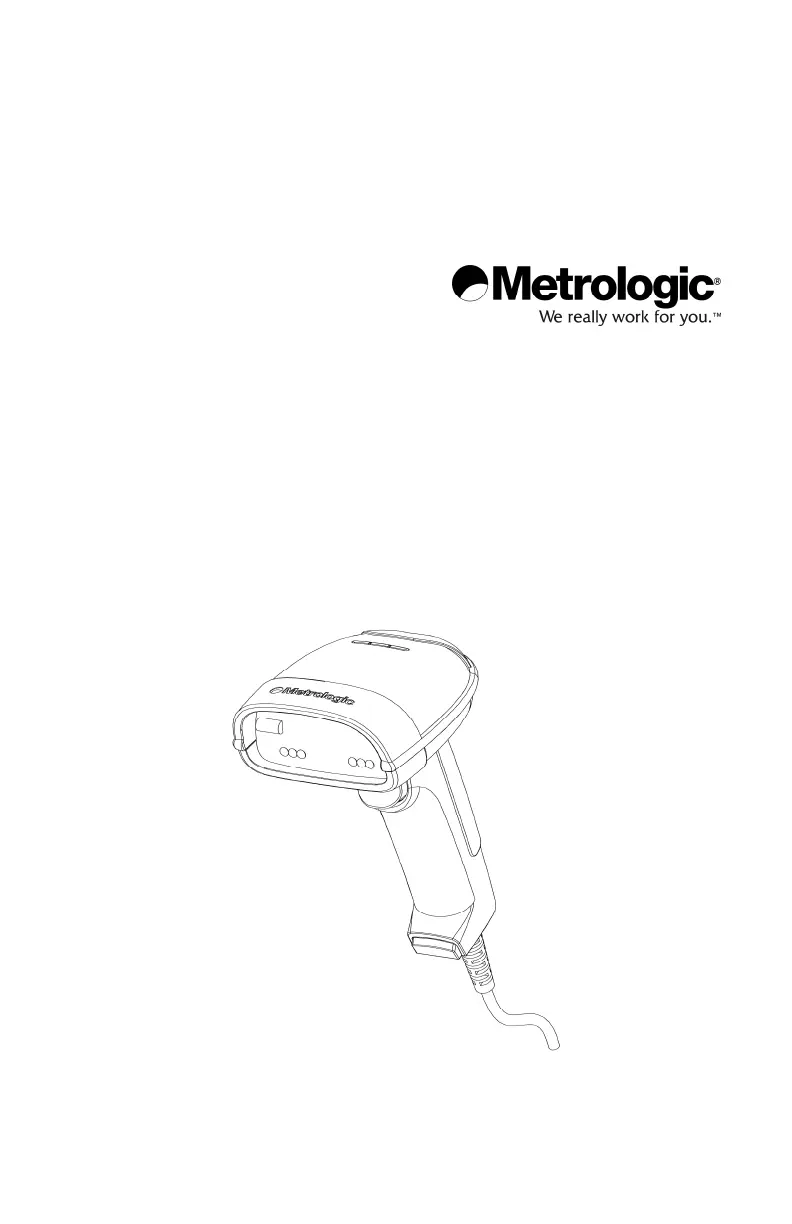
MS1690 Focus
®
Series
Area Imaging Bar Code Scanner
Installation and User's Guide

Other manuals for Metrologic MK1690-61A38

Questions and Answers

Summary

Scanner and Accessories

Scanner Components

PowerLink Cable

Installing the Scanner to the Host System

RS232 MS1690-14 Installation

Step-by-step instructions for connecting the scanner via RS232 interface.

Keyboard Wedge MS1690-47 Installation

Guide for connecting the MS1690 scanner using a keyboard wedge interface.

Stand Alone Keyboard MS1690-47 Installation

Instructions for setting up the MS1690 scanner with a stand-alone keyboard connection.

IBM MS1690-11 Installation

Steps for installing the MS1690 scanner using the IBM 468X/469X interface.

Integrated USB MS1690 Installation

Guide for connecting the MS1690 scanner via USB (Full Speed and Low Speed).

Stand Kits

Scanner Operation

Two Default Scanning Modes

Explains the two primary operating modes: Multi-Trigger and Presentation.

Failure Mode Indicators

Identifies specific audio cues indicating scanner malfunction or errors.

Troubleshooting Guide

Common Scanner Issues and Solutions

Lists common scanner symptoms, their possible causes, and recommended solutions.

Scanner Not Beeping or Scanning

Addresses issues where the scanner does not beep or scan barcodes.

Bar Code Reading Issues

Covers problems related to beep behavior and data accuracy for scanned barcodes.

Communication and Data Transmission Problems

Solutions for issues with transmitting data to the host and character transmission errors.

Design Specifications

Default Settings - Communication Parameters

Configuration Modes

Bar Code Configuration Method

Explains how to configure the scanner using bar codes from a manual.

MetroSet2 Configuration Software

Describes the Windows-based software for configuring scanner options.

Serial Configuration Method

Details using serial commands for OEM configuration of the scanner.

Upgrading the Flash ROM Firmware

Firmware Upgrade Process

Step-by-step instructions for updating the scanner's firmware using MetroSet2 software.

Scanner Pinout Connections

Cable Connector Configurations (Host End)

Regulatory Compliance

Metrologic MK1690-61A38 Specifications

General IconGeneral
BrandMetrologic
ModelMK1690-61A38
CategoryBarcode Reader
LanguageEnglish

Related product manuals