Page 20 - 51033211EN/AC
Prior to initial start-up, check the UPS voltage settings.
The frequency of the output voltage (50 or 60 Hz) is automatically set to that of the input source.
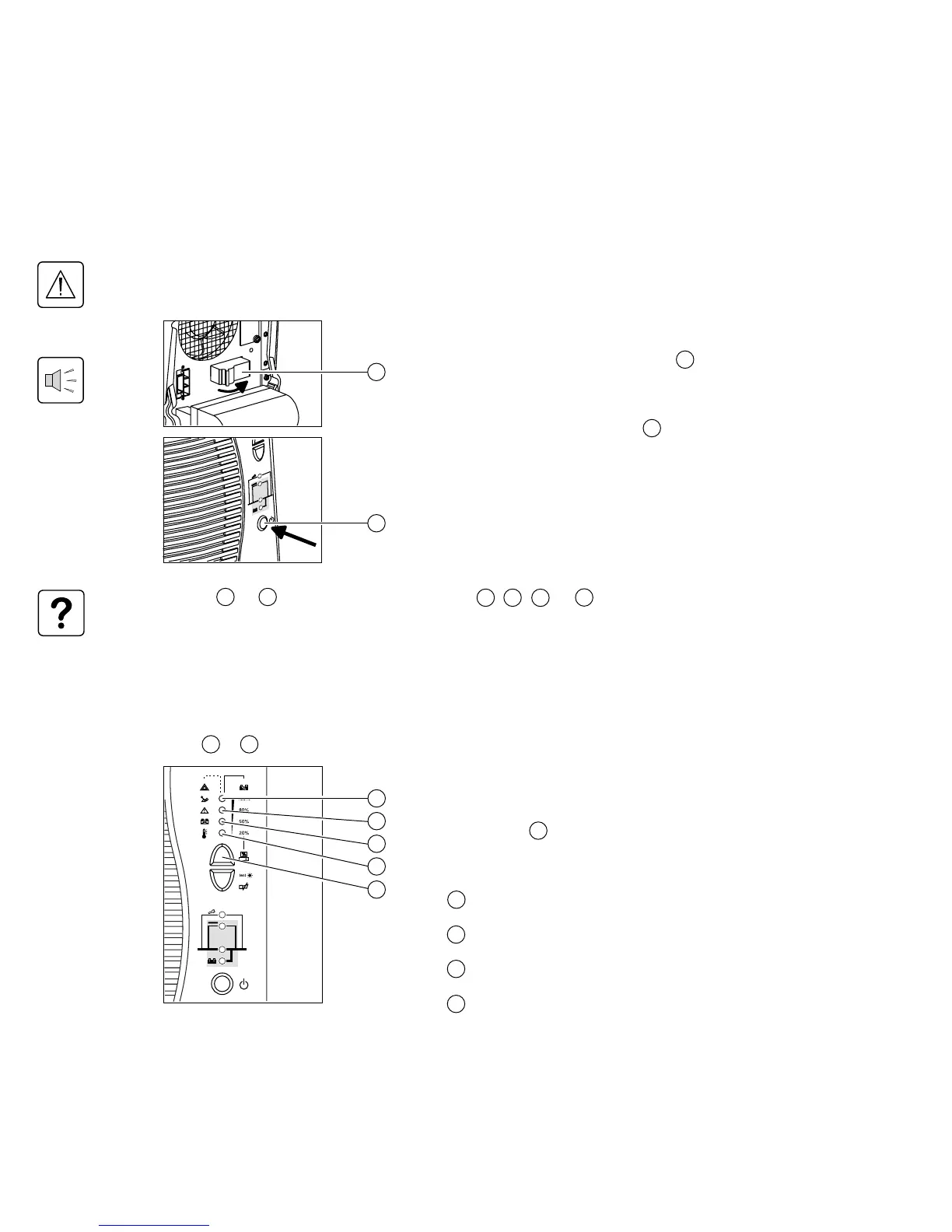
1. Close the upstream device (ON position) controlling the
supply of AC power to the UPS.
2. Set the battery circuit breaker(s) to ON.
The buzzer beeps three times.
If the supply frequency is different than the default value set on
the UPS, the new value is set and the buzzer beeps 4 times.
3. Press the ON / OFF button .
All the equipment connected to the UPS is now energised,
however it takes another 30 seconds before the UPS is fully
operational.
After this time, the equipment connected to the UPS is
protected.
◗ If LED or do not go ON or if one of LED , , or flash, there is a fault (see section 4.1).
◗ In order to detect any wiring errors, it is essential that the AC-power source be present at the first switch-on.
Subsequently, the device may be switched-on without the presence of the AC-power source.
3.3 Bargraph indications
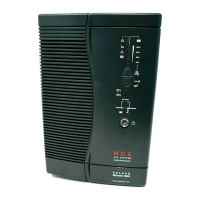
LEDs to provide three different indications.
1. Remaining backup time in percent.
2. Percent load drawn by the protected equipment,
when button is pressed.
3. Operating faults (flashing LED and beeps):
Overload.
UPS fault.
Battery fault.
Excessive ambient temperature.
3. Operation
3.2 Start-up
24
18
14 17
22 23
14
15
16
17
8
14 15 16
17
8
24
14
15
16
17
18






 To Next Page