EasyManua.ls Logo

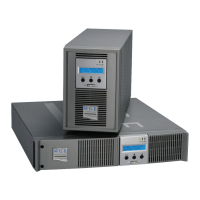
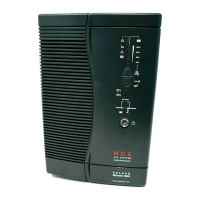
MGE UPS Systems S 1250 RT 2U - User Manual

MGE UPS Systems S 1250 RT 2U
104 pages
Print Icon
To Next Page IconTo Next Page
Loading...
www.mgeops.com
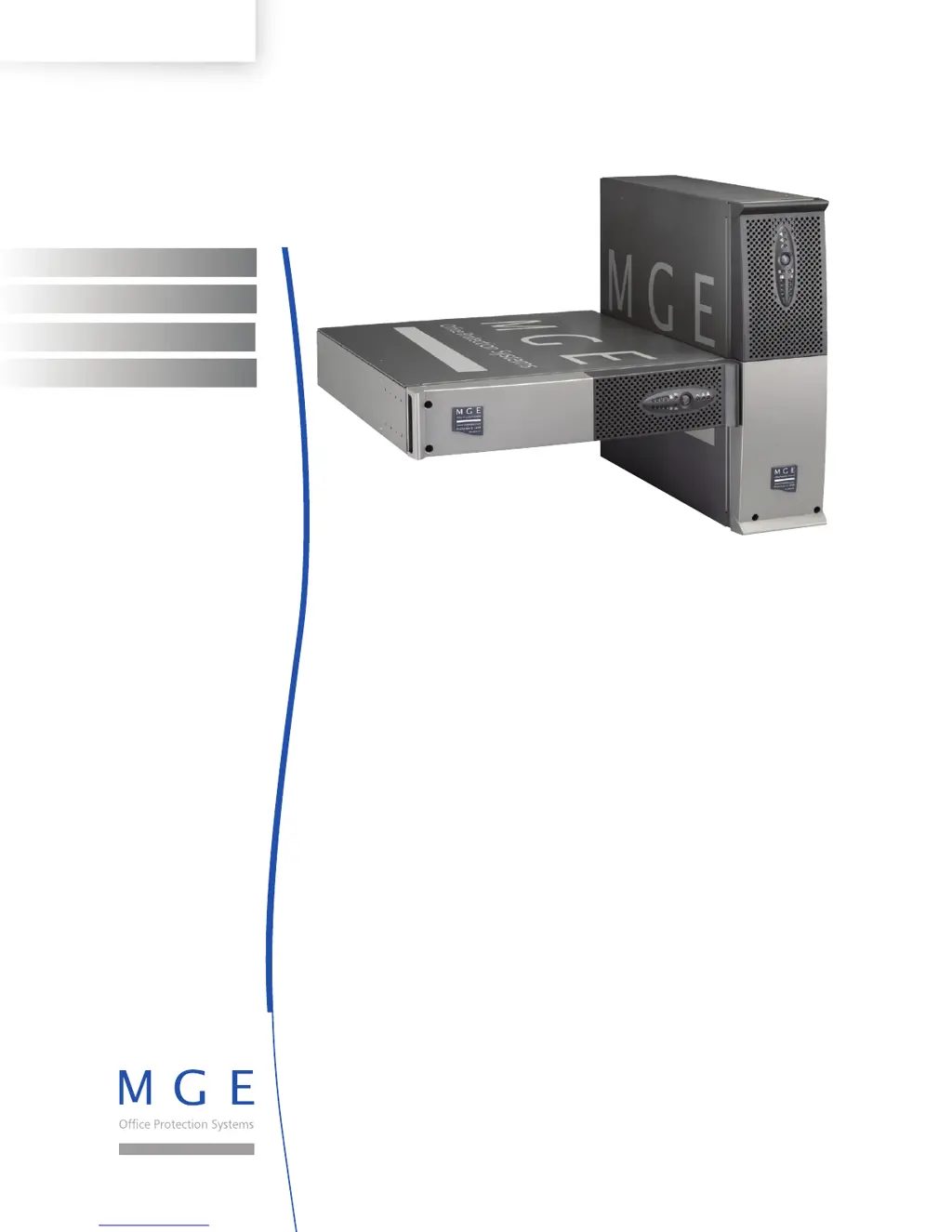
Evolution
S 1250 RT 2U
S 1750 RT 2U
2000 RT 2U
S 2500 RT 2U
S 3000 RT 2U
S 3000 RT 3U
S EXB 1250/1750 RT 2U
S EXB 2500/3000 RT 2U
S EXB 2500/3000 RT 3U
Installation and User Manual
Manuel d’installation et d’utilisation
Manual de instalación y uso
Instalação e manual do usuário
ENGLISH
FRANÇAIS
ESPAÑOL
PORTUGUESE

Table of Contents

Questions and Answers

  • J
    Joseph FrostAug 12, 2025
    What to do if button (24) and LED (27) are ON and all the LEDs on bargraph (20) are flashing on my MGE UPS Systems UPS?
    • J
      Jacqueline BrownAug 12, 2025
      If the button (24) and LED (27) are illuminated, and all LEDs on the bargraph (20) are flashing, it indicates a critical overload on the MGE UPS Systems UPS output. In this situation, check the power consumption of the connected devices and disconnect any non-essential equipment. If AC input power fails, the load will not be supplied in battery mode.
  • M
    Margaret WhiteAug 20, 2025
    Why are button (24) and LEDs (25) and (26) ON and all the LEDs on bargraph (20) flashing on my MGE UPS Systems S 1250 RT 2U UPS?
    • A
      Andrew ConnerAug 20, 2025
      If the button (24) and LEDs (25) and (26) are ON and all the LEDs on bargraph (20) flash, it means the load exceeds the set overload level or the UPS capacity on your MGE UPS Systems UPS. To resolve this, examine the power consumption of the connected devices, disconnect any non-priority equipment, and verify the overload level setting.
  • J
    John Ferguson Jr.Aug 27, 2025
    What to do if LED (27) is ON and all the LEDs on bargraph (21) are flashing on MGE UPS Systems S 1250 RT 2U?
    • M
      Michael ColeAug 27, 2025
      If LED (27) is ON and all the LEDs on bargraph (21) are flashing, this indicates that a battery fault has been detected during the automatic test of your MGE UPS Systems UPS. The suggested solution is to replace the battery module.
  • O
    ojacksonSep 3, 2025
    How to fix MGE UPS Systems UPS when LED (26) remains ON after start?
    • A
      Amy BlairSep 3, 2025
      When the UPS is started using button (24), and all the LEDs go ON once and the buzzer beeps once, then LED (26) remains ON, it means that the remote power off (RPO) contact has been activated, shutting down the MGE UPS Systems UPS and preventing a restart. To fix this, set the contact back to its normal position and press button (24) to restart.

MGE UPS Systems S 1250 RT 2U Specifications

General IconGeneral
Capacity1250 VA
Output Power1000 W
Input Voltage230 V
Output Voltage230 V
Number of Outlets8
Communication PortsRS-232, USB
Weight19.09 kg
Nominal Input Voltage230V
Nominal Output Voltage230V
Input Frequency50/60 Hz
Output Frequency50/60 Hz
Rack Height2U
Input ConnectionIEC 320 C14
Battery TypeSealed Lead Acid
Product TypeLine-interactive UPS
TopologyLine Interactive
Output ConnectionsIEC 320 C13
Transfer Time4 ms typical
Operating Temperature0 to 40°C
Storage Temperature-15°C to 45°C
Humidity0 to 95% non-condensing

Related product manuals