Device overview
20
2. Follow the on-screen instructions or the solutions that are
mentioned in
Troubleshooting on Page 50.
3. Perform self-test again:
¾
Tap , select Maintenance > Self-test.
¾
Tap , select Shut down > Restart.
If the problem persists, contact the technical support.
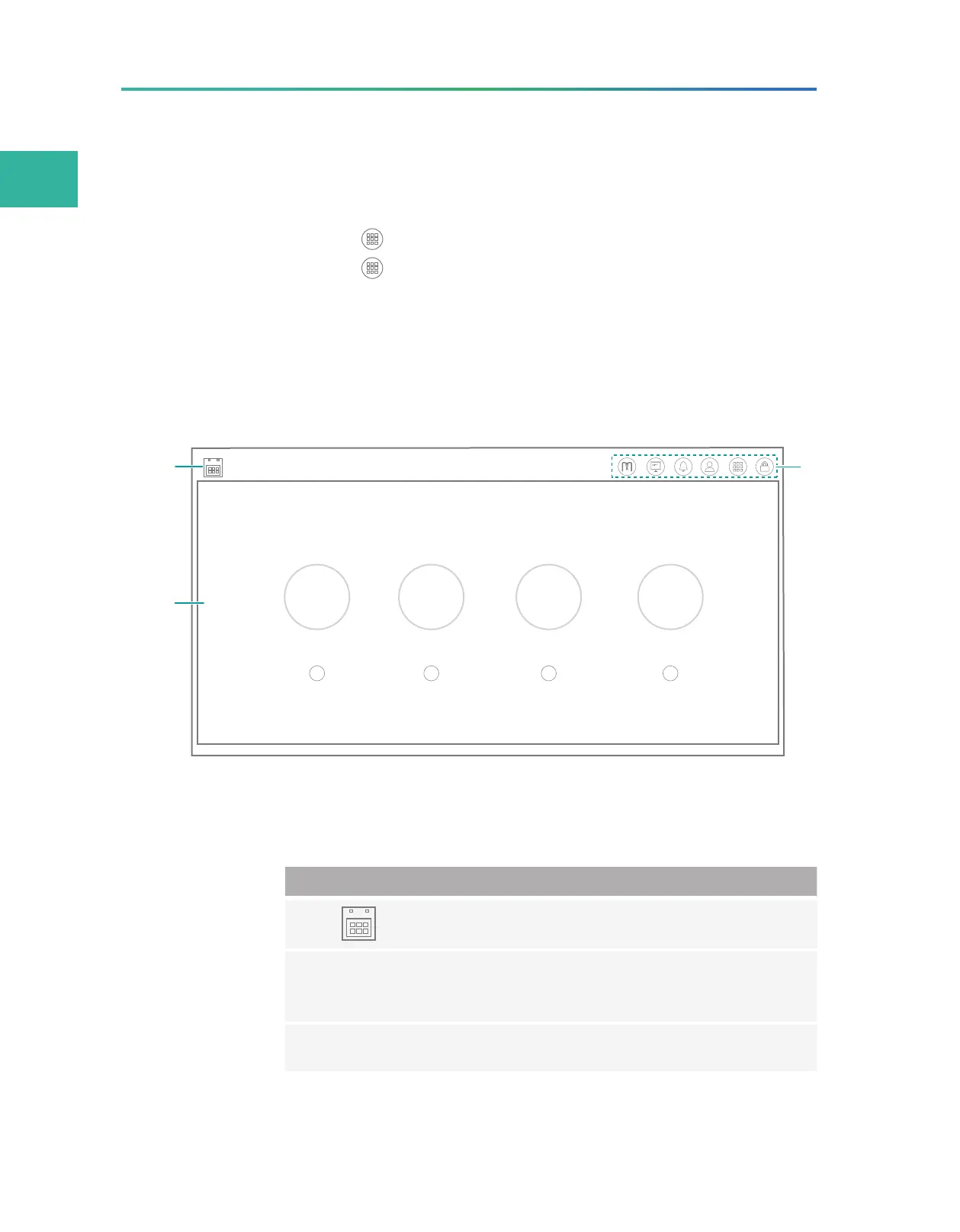
Main interface
The main interface appears after a successful self-test, as shown in
the figure below:
A B C
L
D
LLL
Figure 9 Main interface
The following table describes the function of each area or icon in the
main interface:
No. Name Description
1 Displays the local date and time.
2 Operation area
Indicates the status of flow cells and provides
wash and sequence options when enter the
main interface of the selected flow cell stage.
3 Menu area Press the buttons to perform relative operations.



 To Next Page