Sequencing
40
If RFID scanning fails, input the ID with the on-screen keyboard.
A B C D
A: Preparing
Sequencing cartridge ID
Washing cartridge ID
Flow cell ID
NextPrevious
Recipe
SE100+10
1-128
Advanced settings
Split barcode
REF+SN, e.g. 1000000000S0000000000
xxxxxxxx
REF+SN, e.g. 1000000000S0000000000
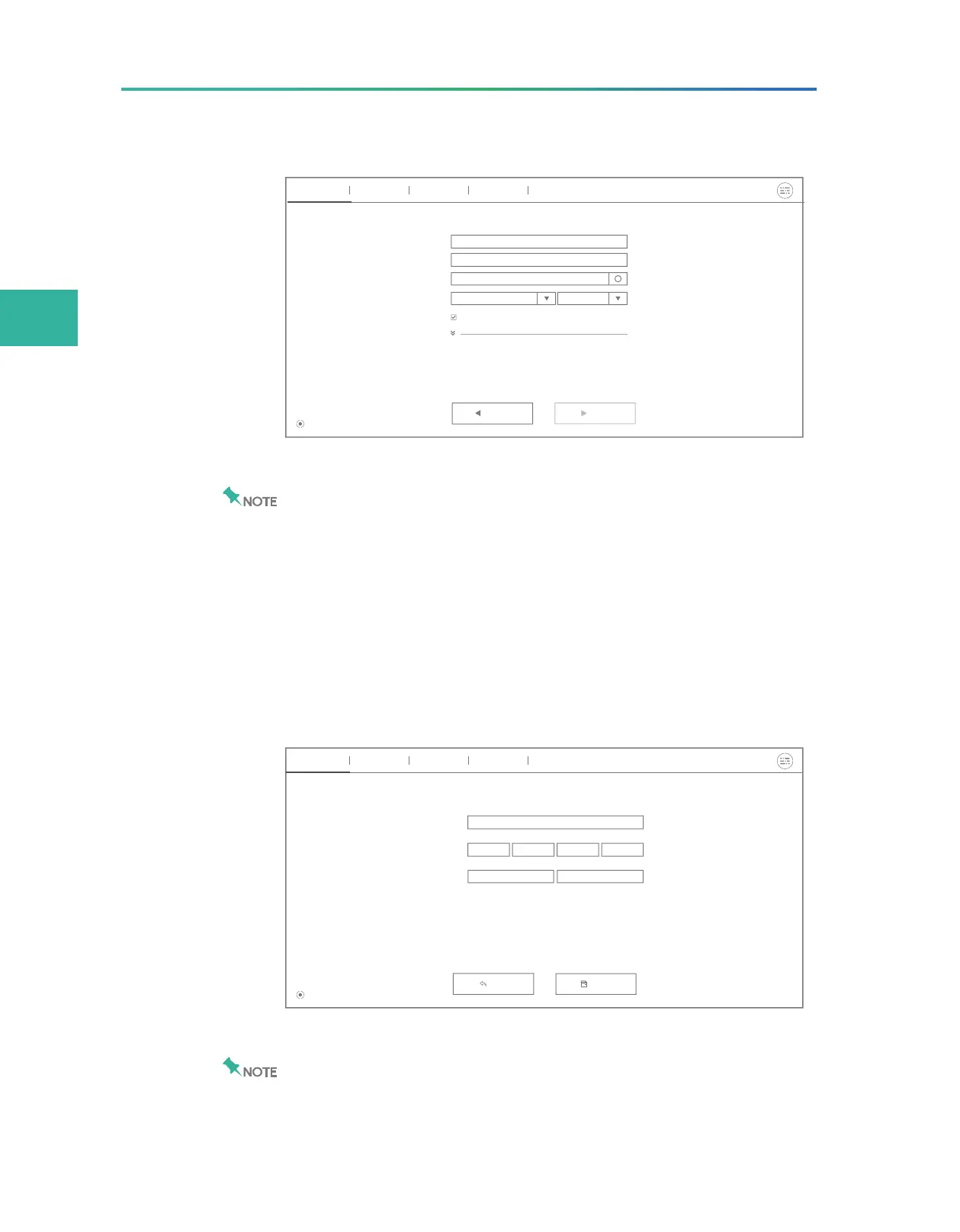
Figure 18 Sequencing information input interface
z
Ensure that the ID format is correct when you input ID manually.
Otherwise, you will be prompted that the ID is incorrect and the
procedure cannot continue.
z
The ID of the reagent cartridge consists of the 10-digit catalogue
number and 11-character serial number.
z
If the flow cell accidentally drops to the floor and breaks, handle with
care in case of personal injury.
4. Tap the Recipe box and select a recipe from the list.
To customize a recipe, select Customize a recipe and set the
Recipe name, Read length, and Dark reaction cycles.
A B C D
A: Preparing
Back
Recipe name
Customize a recipe
Read length
Dark reaction cycles
Read1 Read2 Barcode DualBarcode
Read1 Read2
Save
Figure 19 Customizing a recipe
The recipe name must be unique.
5. Select a barcode range from the list on the right of the Recipe
box.



 To Next Page