Sequencing
42
Item Description
Estimated
completion
time
Shows the estimated time when sequencing completes.
QC type
You can select a QC value graph from the QC type list to
assess the sequencing quality.
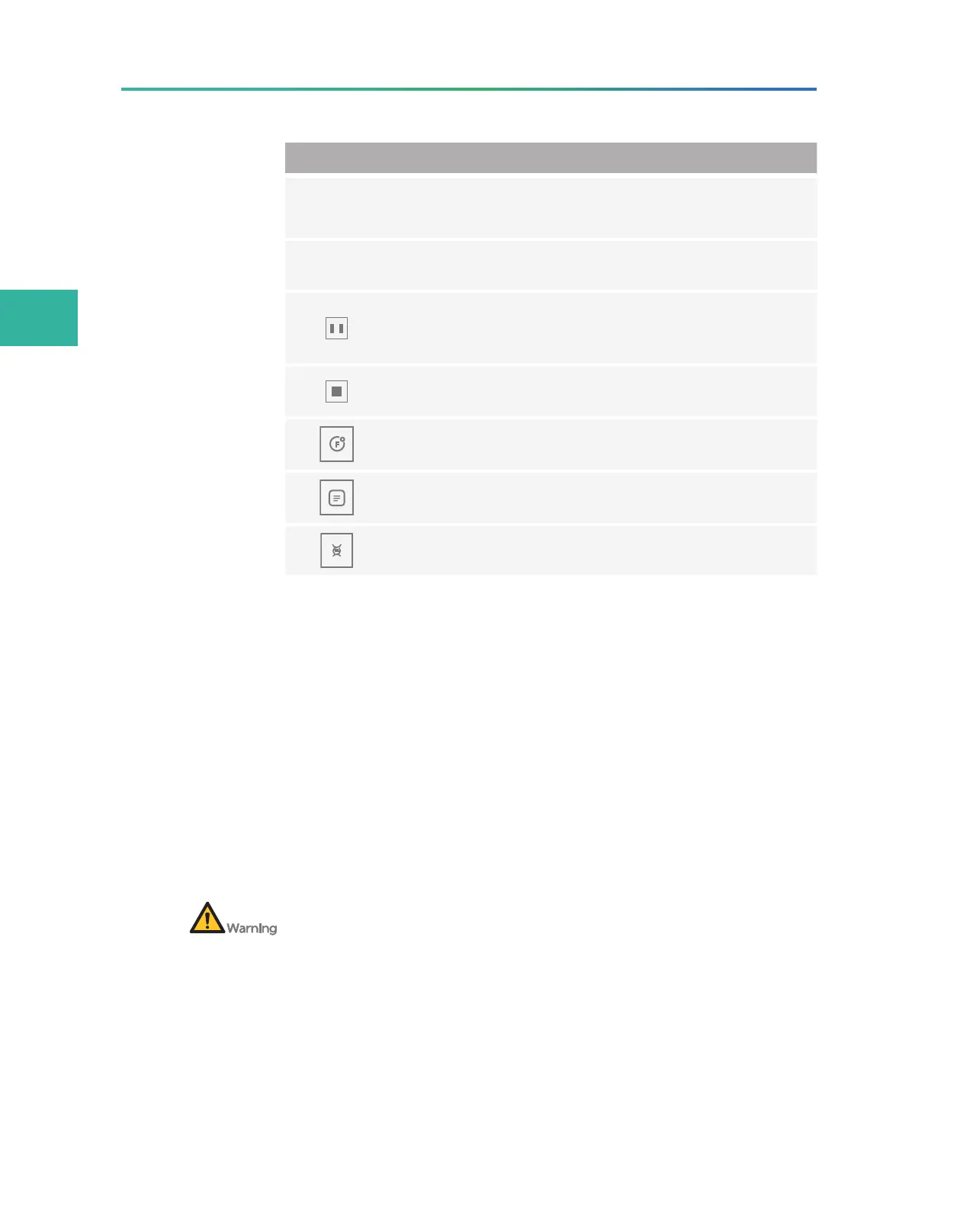
Tap it and a confirmation dialog box appears. Select Yes to
pause sequencing. Tap it again and a confirmation dialog
box appears. Select Yes to resume sequencing.
Tap it and a confirmation dialog box appears. Select Yes to
stop sequencing.
Tap to view the First Base Report.
Tap to view the summary after a sequencing run
completes.
Tap to view sequencing information after a sequencing run
starts.
Automatic post-wash
Auto wash is enabled by default. The system automatically
performs a post-wash after each sequencing run.
During troubleshooting, you can set Auto wash to No when
necessary and perform a wash manually right after the
troubleshooting. For details about how to perform a wash manually,
refer to
Performing a wash on Page 48.
Disposing of reagent cartridge and
flow cell
After sequencing and post-wash, recycle the used flow cells from the flow
cell retrieval compartment. Before powering off the device, check whether
the used flow cells are recycled.
After sequencing and post-wash, or before powering off the device,
perform the following steps:
1. Wear protective equipment.
2. Open the flow cell retrieval compartment and remove the flow
cell.



 To Next Page