12
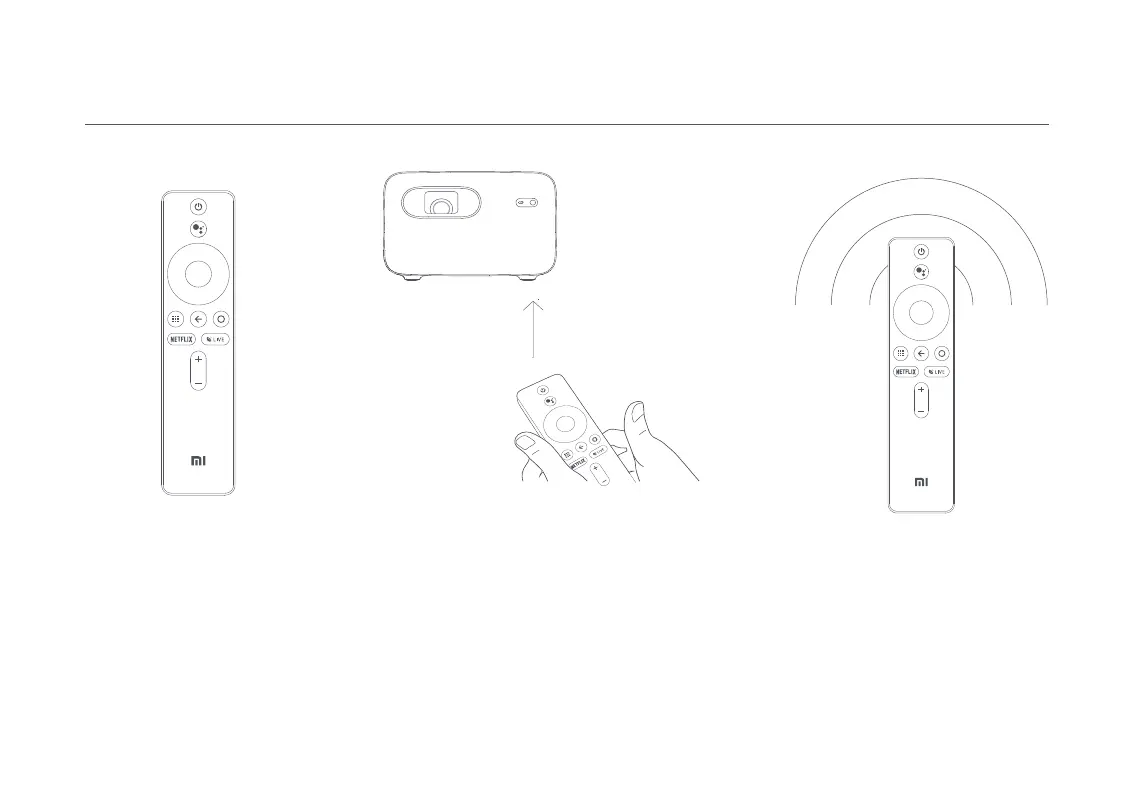
Pairing the Remote Control
After installing the batteries
in the remote control, press
the OK button to start pairing.
Note: Keep the remote control within 20 cm of the projector during the pairing process.
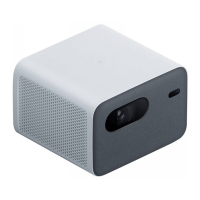
Point the remote at the bottom right corner of the
projector, then simultaneously press and hold the
APP and the Home button. Once you hear a beep, it
indicates that the pairing process has started. Release
the buttons and wait for the process to complete.
How to Use
A notification will appear on the
projected image once the remote
control has been paired successfully.


 To Next Page