15
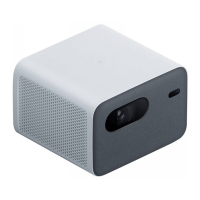
Only use the cleaning cloth that comes with the projector or a professional
grade cleaning cloth to clean the projector's glass. Do not use any abrasive
cleaning products, solvents, chemicals, or other rough objects so as to avoid
scratches or corrosion.
- The projector is not water resistant. Do not allow liquids to penetrate the
projector, especially areas such as the power indicator, lens, air vents,
connection ports, and speaker grilles.
- Only use the cleaning cloth that comes with the projector or a professional
grade cleaning cloth to clean the projector's lens.
Turn off and unplug the projector before cleaning.
Care & Maintenance
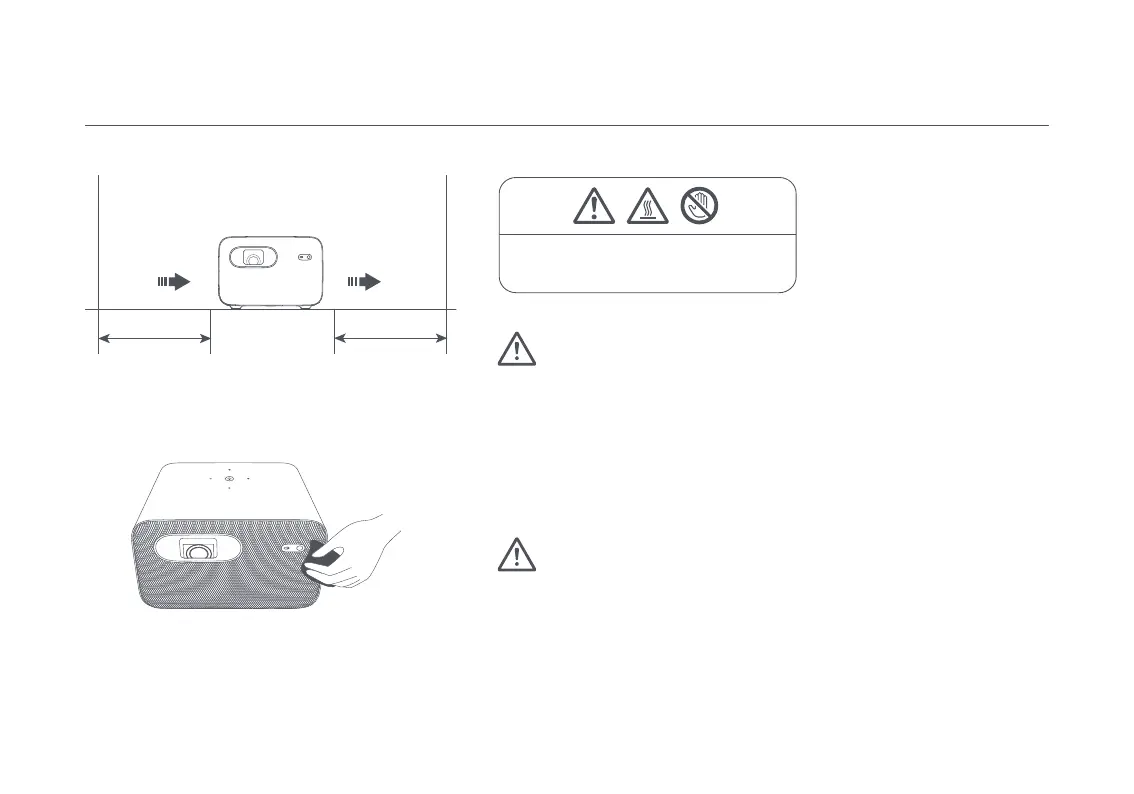
Heat Dissipation Maintenance
Cleaning & Maintenance
Note: Do not place any objects within 20 cm of the projector’s
air vents, as this will affect the heat dissipation effect.
Note: Avoid touching the heat dissipation
vent on the rear, as it can become very hot.
Outlet
Inlet
Note:
20cm
20cm


 To Next Page