Copyright © 2009-2010 Micca, LLC. All rights reserved.
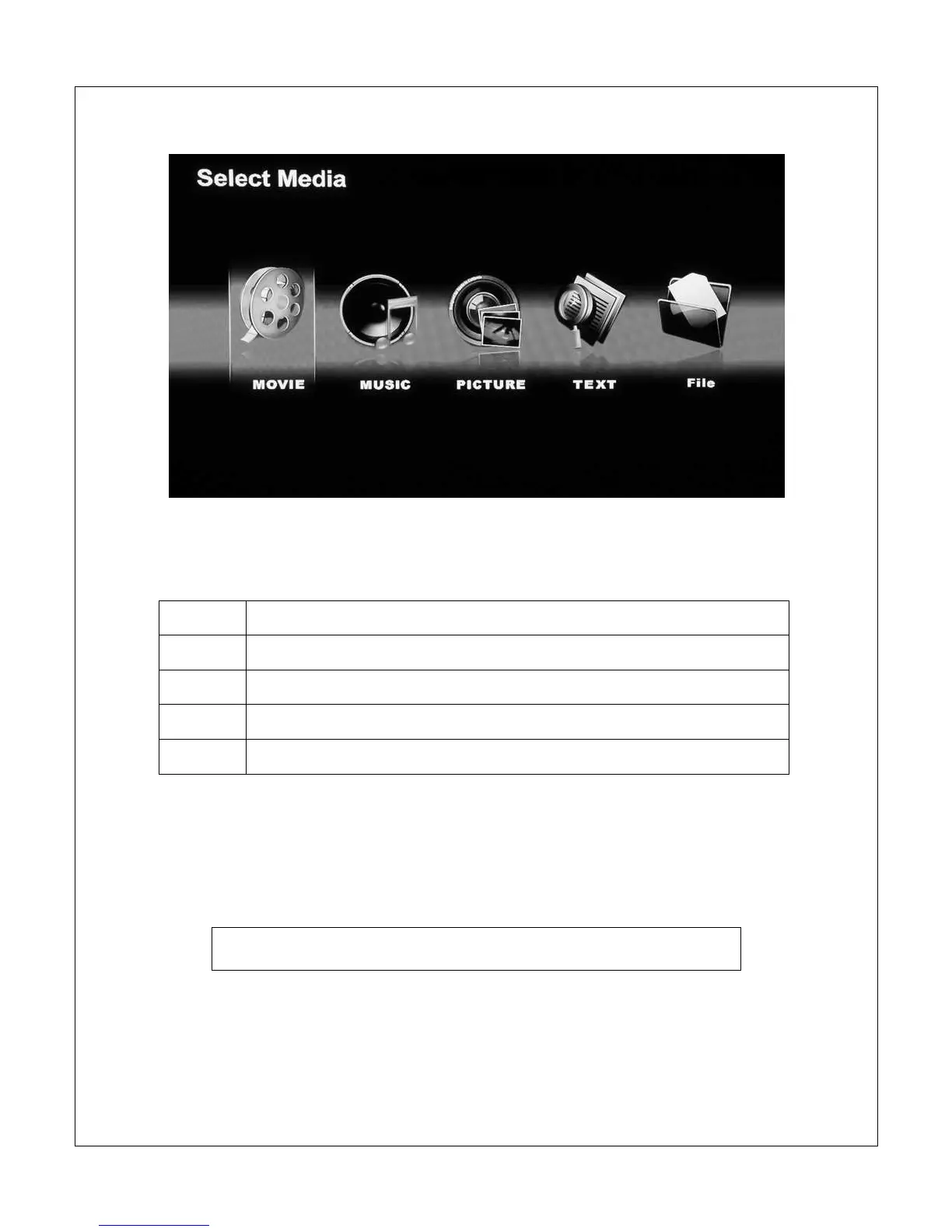
The [Select Media] screen presents five icons for access to different types of
media files on the selected storage device:
Movie
Navigate and playback compatible video files
Music
Navigate and playback compatible audio files
Picture
Navigate and display compatible picture files.
Text
Navigate and display .TXT files
File
Navigate and playback all compatible files
Use the <
> and <
> buttons on the remote to highlight the desired media
type and press the <OK> button to select it. Refer to sections for individual
media types for additional information.
Use the <File>, <Picture>, <Music>, and <Movie> buttons on
the remote to quickly switch between media playback modes.



 To Next Page