Copyright © 2009-2010 Micca, LLC. All rights reserved.
X. Text Mode
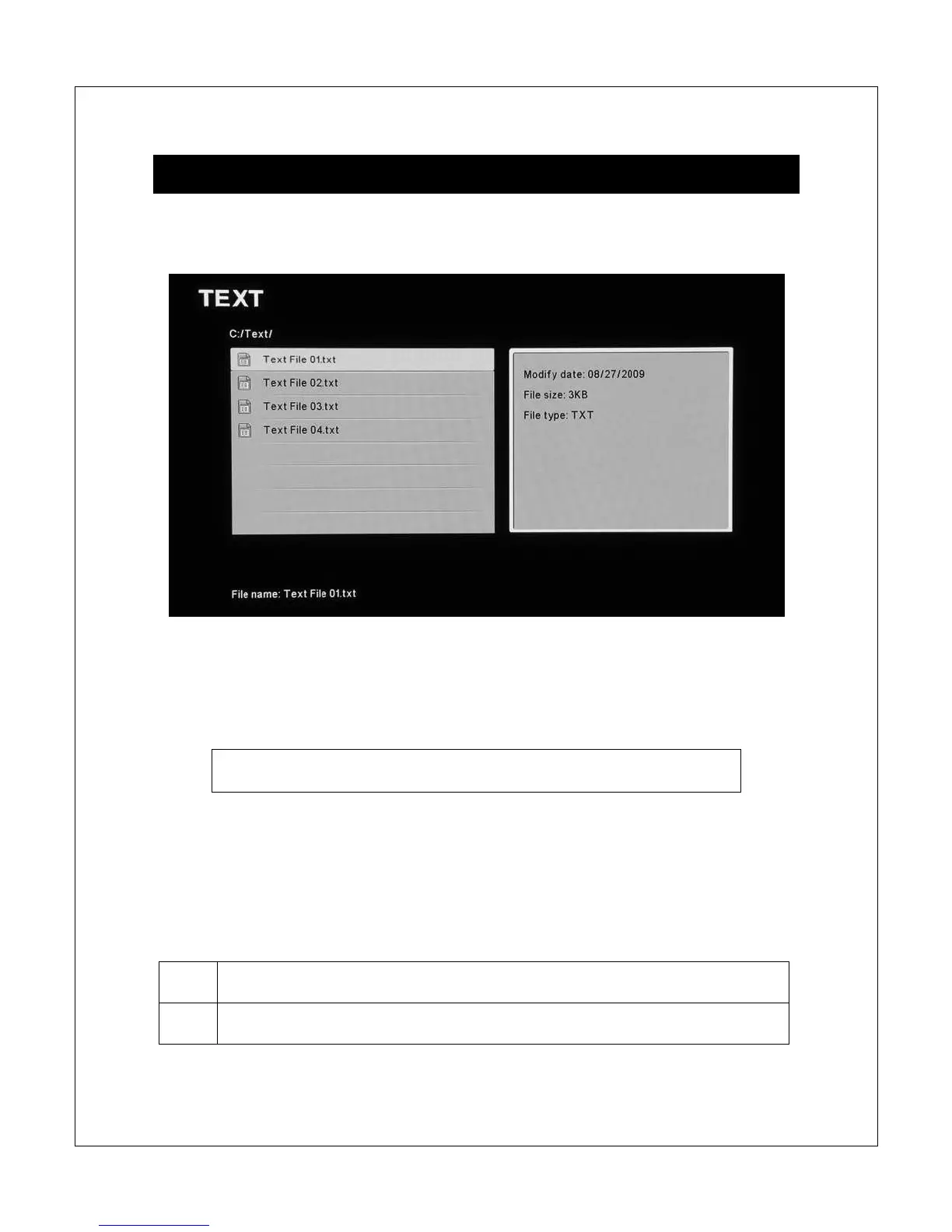
In Text mode, the Micca Slim displays a file/folder directory on the left side of the
screen, and a file information box on the right.
Navigate the files and folders to locate text files you wish to read using the <
>,
<
>, <
> and <
> buttons. To read a text file, press the <OK> button on the
remote control after highlighting it.
Quickly jump to text mode by pressing the <Text> button on the
remote control.
NOTE: Only text files with compatible file extension TXT are visible in the
file/folder directory.
In text mode, the following navigation and controls are available while browsing
the file/folder directory:



 To Next Page