Copyright © 2009-2010 Micca, LLC. All rights reserved.
XI. File Mode
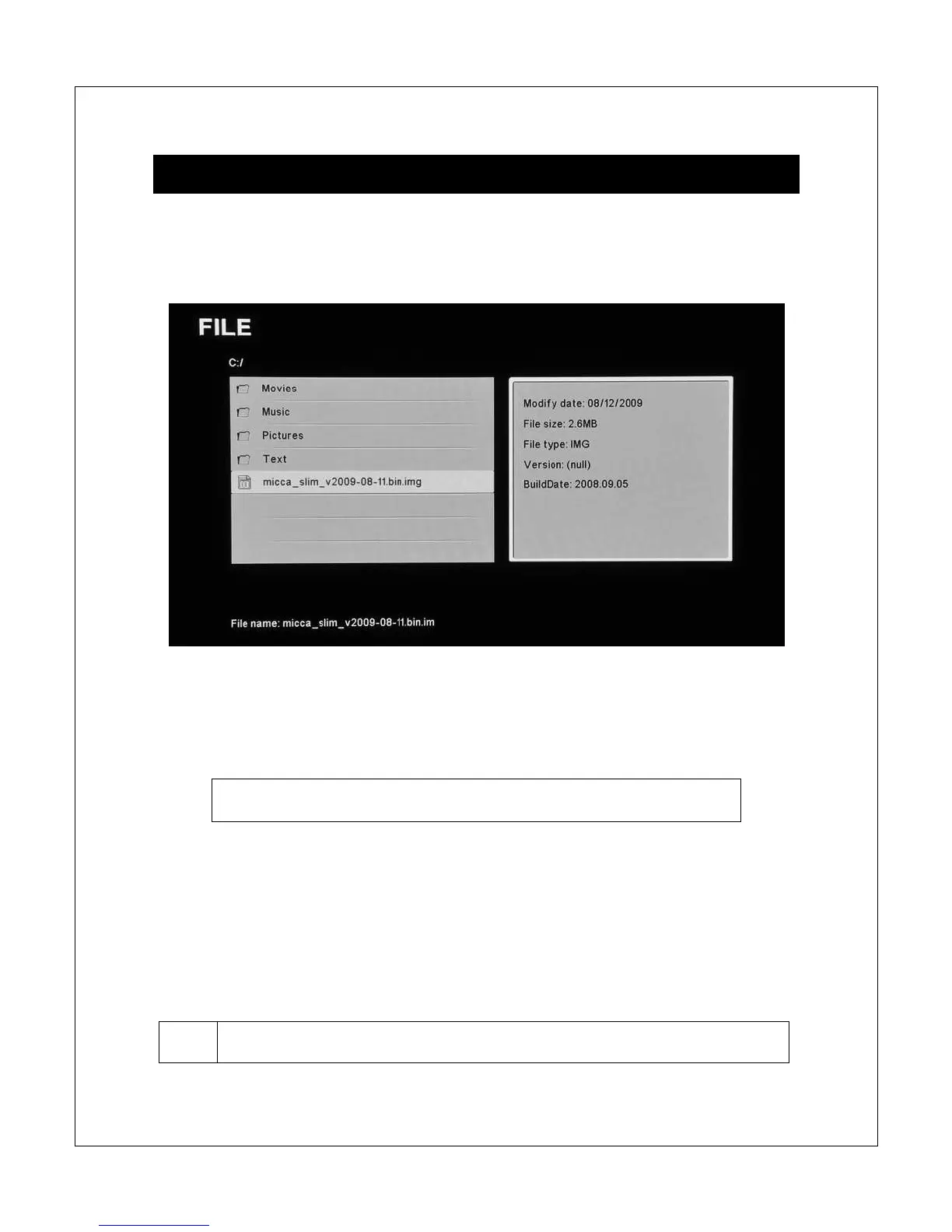
In File mode, the Micca Slim displays a file/folder directory on the left side of the
screen, and a file information box on the right. Navigate the folders to locate
medial or text files you wish to playback or read.
Use the <
> and <
> buttons to highlight a compatible medial file and its
information will be displayed in the file information box on the right. To play a
media file, press the <OK> button on the remote control after highlighting it.
Quickly jump to file mode by pressing the <File> button on the
remote control.
NOTE: Only files with compatible media file extensions are visible in the
file/folder directory. For a list of what file extensions are visible for each media
type, please refer to their respective sections of this user manual.
In file mode, the following navigation controls are available while browsing the
file/folder directory:



 To Next Page