Copyright © 2009-2010 Micca, LLC. All rights reserved.
IX. Picture Mode
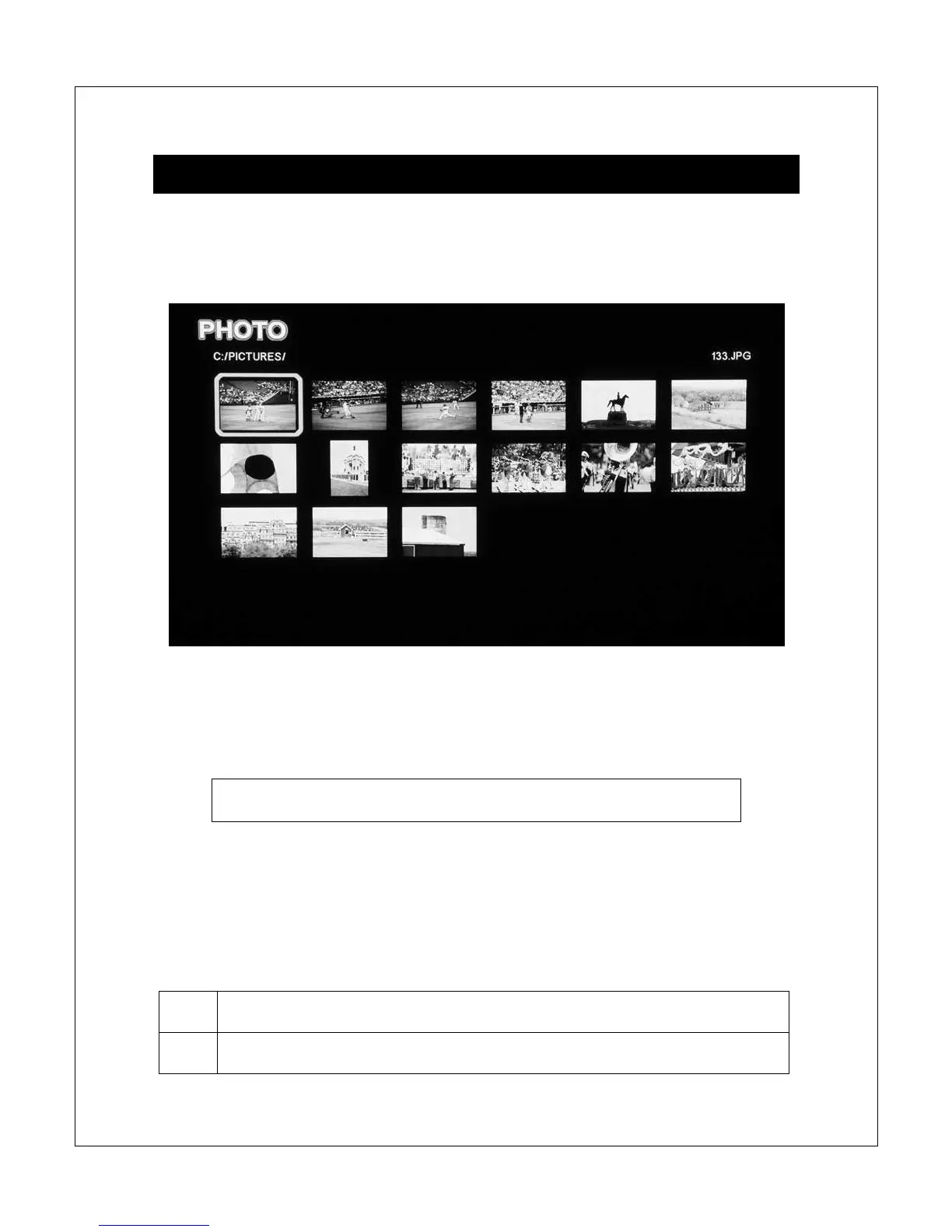
In Picture mode, the Micca Slim will locate all pictures on the current storage
device, arrange them in alphabetical order by folder and file name, and display all
pictures as thumbnails in a 3-by-5 grid.
Navigate the thumbnails to locate pictures you wish to view using the <
>, <
>,
<
> and <
> buttons. To view a picture full screen, press the <OK> button on
the remote control after highlighting it.
Quickly jump to picture mode by pressing the <Picture> button
on the remote control.
NOTE: Only files with compatible picture file extensions JPG, GIF, PNG, and
BMP are visible in the thumbnail grid.
In picture mode, the following navigation controls are available while browsing
thumbnails:



 To Next Page