Copyright © 2009-2010 Micca, LLC. All rights reserved.
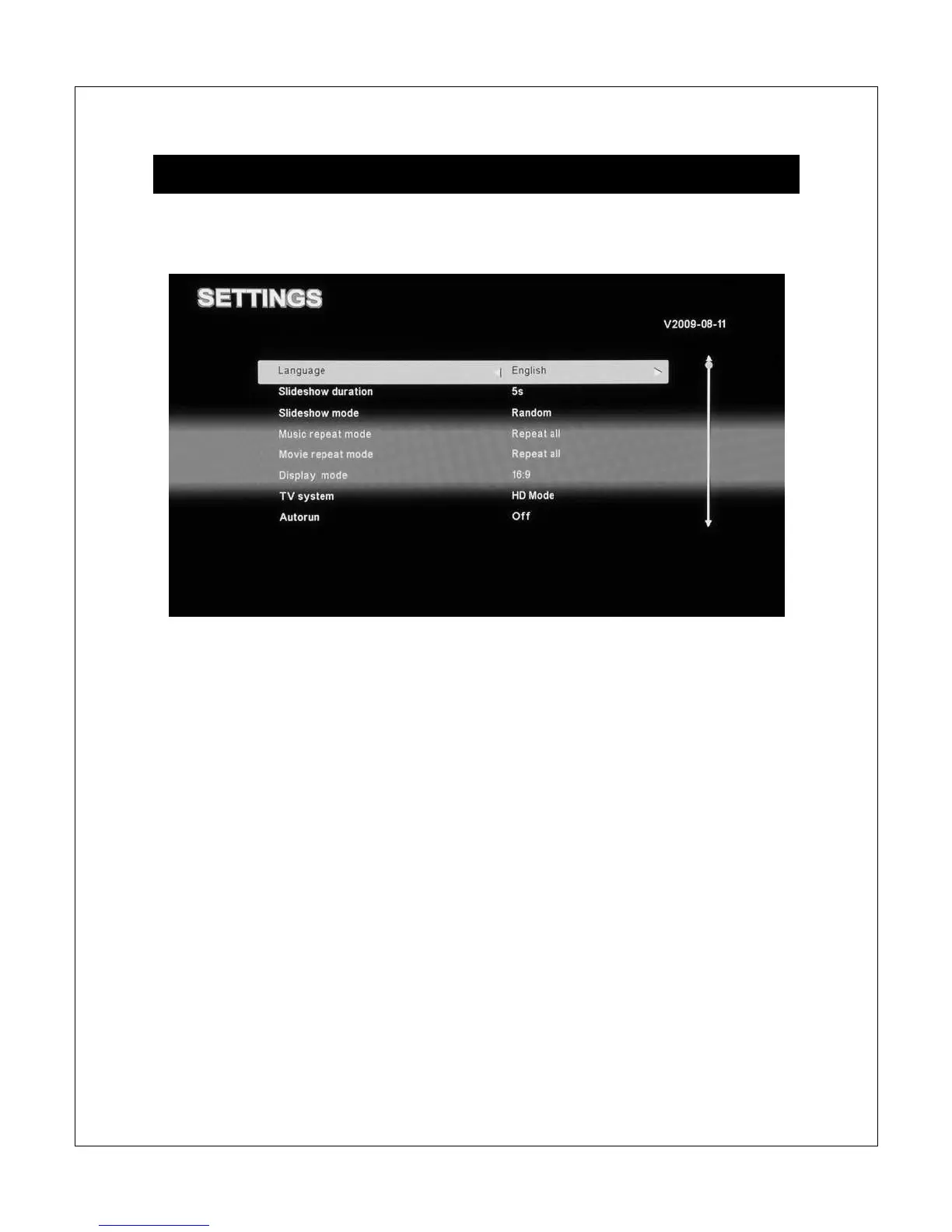
XIII. Settings Menu
The settings menu contains numerous configuration parameters that control the
behavior of the Micca Slim during use.
Below is a list of these parameters:
[Language]
Sets the operating language of the Micca Slim
Available values: English, Simplified Chinese
[Slideshow duration]
Sets the time between pictures in slideshow mode
Available values: 3/5/15 Seconds, 1/15 minutes, 1 Hour
[Slideshow mode]
Sets the picture-to-picture transition effect in picture slideshow mode
Available values: Random, Fading, Bottom-to-Top, Top-to-Bottom, Left-to-Right,
Right-to-Left, Door-Close, Door-Open, Horizontal-Cross, Vertical-Cross, Off.
[Music repeat mode]



 To Next Page