Copyright © 2009-2010 Micca, LLC. All rights reserved.
Subtitle
Displays available subtitles, toggles subtitle text size between normal
or 2X. Subtitle files in the .SRT or .SUB file format are supported and
should be placed in the same folder as the video file.
L/R
Toggle between Stereo, Left-Only, and Right-Only audio output
16:9/4:3
Toggles between various playback aspect ratios
GOTO
Enter a time mark in the video to jump to
OK
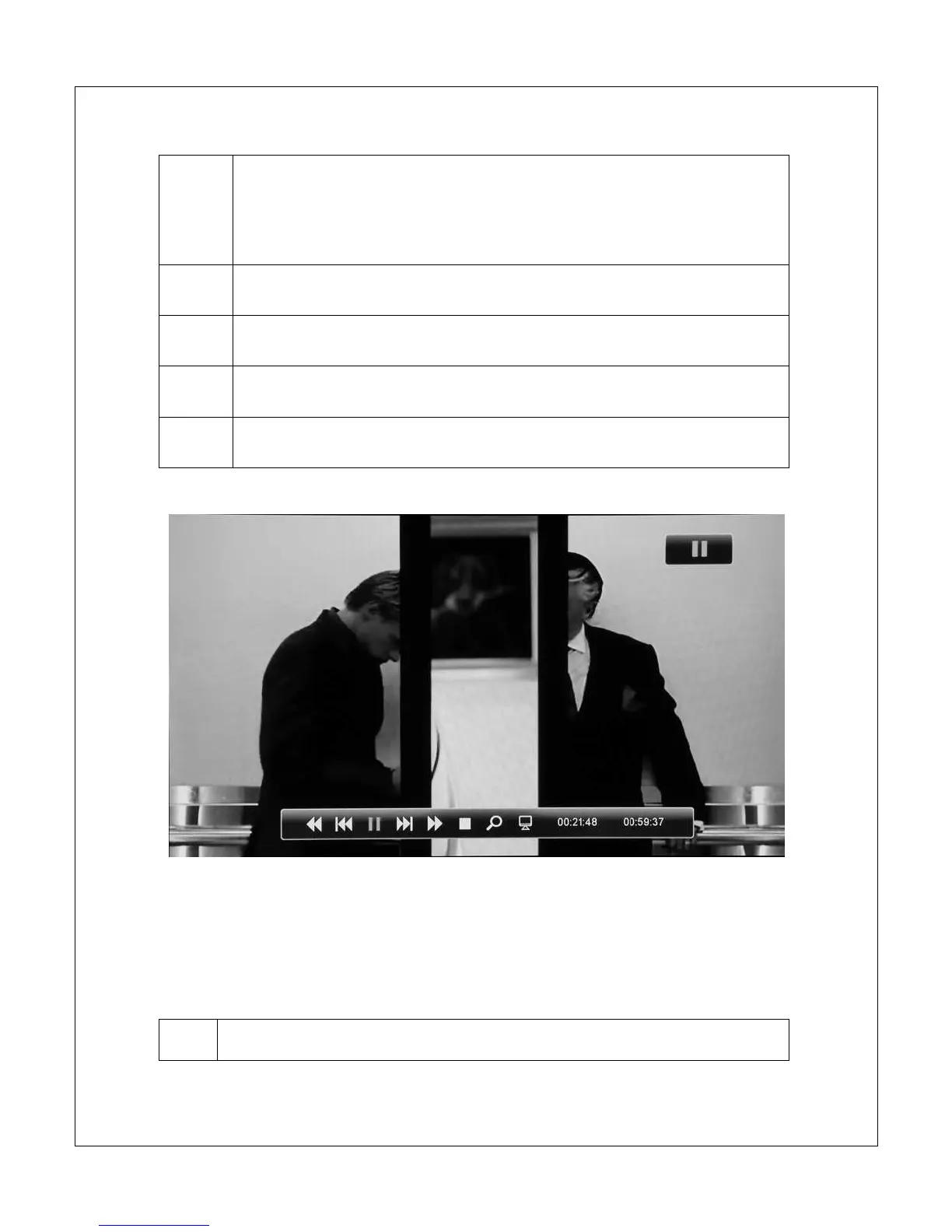
Display the on screen display menu
The on screen display menu presents a selection of playback control icons on
screen. The menu contains navigation icons for Rewind, Skip Back, Skip
Forward, Fast Forward, Play/Pause, Stop, Zoom, and jump-to time mark. With
the on screen display visible, the following controls are available:



 To Next Page