Copyright © 2009-2010 Micca, LLC. All rights reserved.
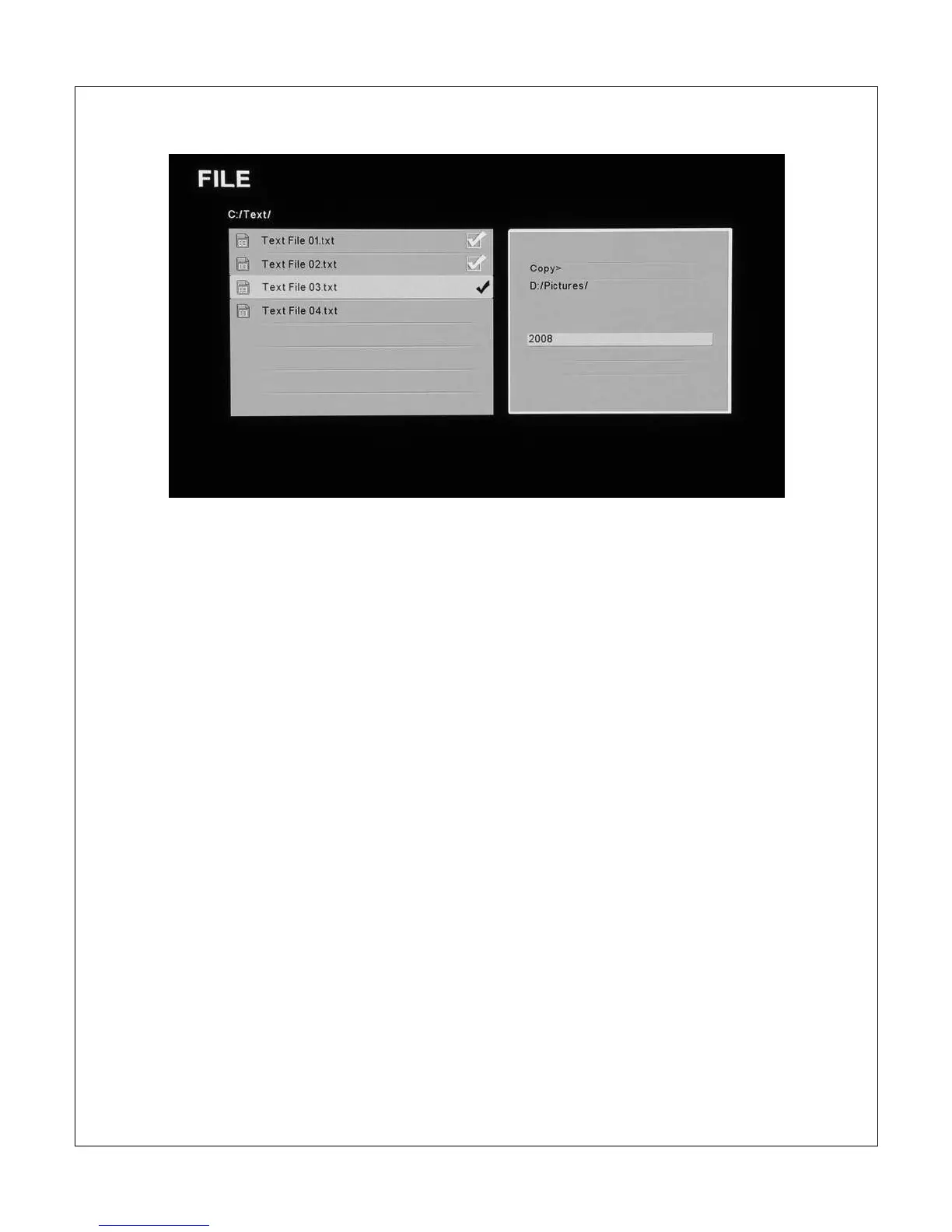
The following steps describe the process of copying a file:
1. Highlight the file in the file/folder directory and press the <
> button on
the remote control to mark it. Multiple files in the same folder can be
marked at the same time.
2. Press the <Copy> button on the remote control. The information box on
the right side of the screen will prompt the user to select copy or delete
operations.
3. Highlight [Copy] and press the <OK> button on the remote control. The
information box will display a list of currently available storage devices for
the user to select as the copy target.
4. Highlight the desired storage device and press the <
> button on the
remote control. The information box will display available folders on the
selected storage device.
5. Navigate into subfolders as needed using the <
>, <
>, <
> and <
>
buttons on the remote control. The selected target directory will be
displayed at the top of the information box.



 To Next Page