Copyright © 2009-2022 Micca. All rights reserved. Page | 8
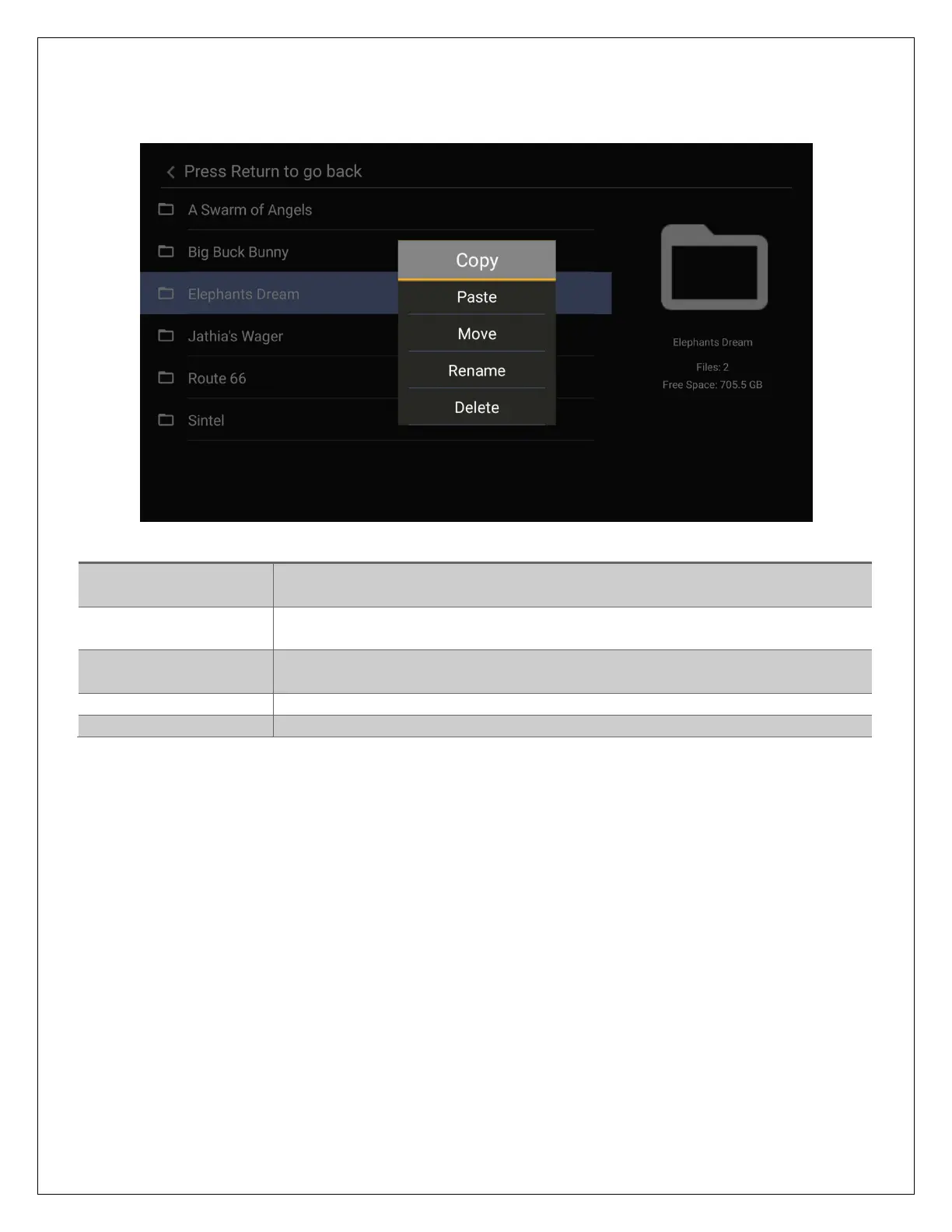
While highlighting a file or folder, pressing the MENU button will bring up to file operation menu,
providing the ability to copy, move, rename, or delete files and folders.
Select a folder or file for copying. Navigate to the target folder and
select Paste to complete the copy operation.
Paste the selected folder/file into the current folder. Must first select a
folder/file for copy or move.
Select a folder or file for moving. Navigate to the target folder and
select Paste to complete the move operation.
Rename a folder or file
Delete a folder or file



 To Next Page