Copyright © 2009-2022 Micca. All rights reserved. Page | 13
5.2 Playing Music
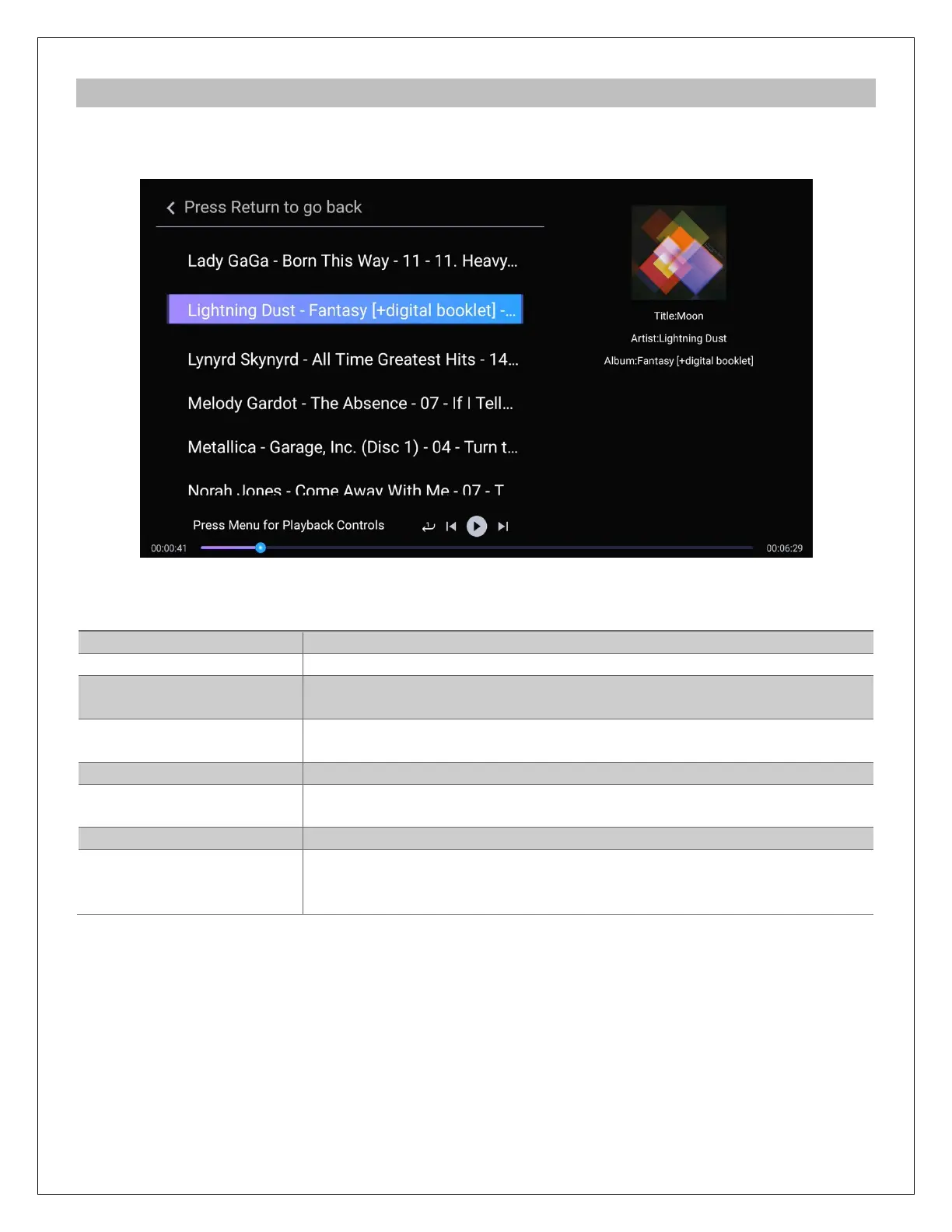
During music playback, press the MENU button on the remote control to access the playback
control menu at the bottom of the display. Press MENU again to exit the playback control menu.
In addition to the playback control menu, the following remote control commands are available:
Press to begin playback, and press again to pause.
Press to stop playback.
Jump forward or backward by 2 seconds. Press and hold to use
the time slider to quickly scroll through a song.
REWIND
Jump forward or backward by 10 seconds.
Go to the previous/next song.
Set repeat option when playing music: Play All Once, Repeat All,
Repeat One, Repeat Random, Play One Once.
Mute audio output; press again to unmute.
Change the output volume. (Hint: Set volume to max and use the
TV or AV receiver to control volume). The volume control may not
have any effect if the player's sound output is set to Bitstream.



 To Next Page