Copyright © 2009-2022 Micca. All rights reserved. Page | 12
5.1.5 Subtitles
When subtitles are available for the currently playing video, pressing the SUBTITLE button on
the remote control will toggle the subtitle display on or off. The player supports subtitle tracks
embedded in the video file or external subtitle files. For external subtitles, the subtitle file should
be placed in the same folder as the video and have the same name as the video. Different
language subtitle files can be differentiated in the manner as illustrated below:
Video file name: sita_sings_the_blues.mkv
English subtitles: sita_sings_the_blues.eng.srt
Spanish subtitles: sita_sings_the_blues.esp.srt
If a video has both embedded and external subtitles, all subtitles will be available together. The
supported subtitle formats and features are as follows:
SRT, SSA/ASS. Plain text only for all subtitle types.
DVD (IDX+SUB), BD (PGS), SRT
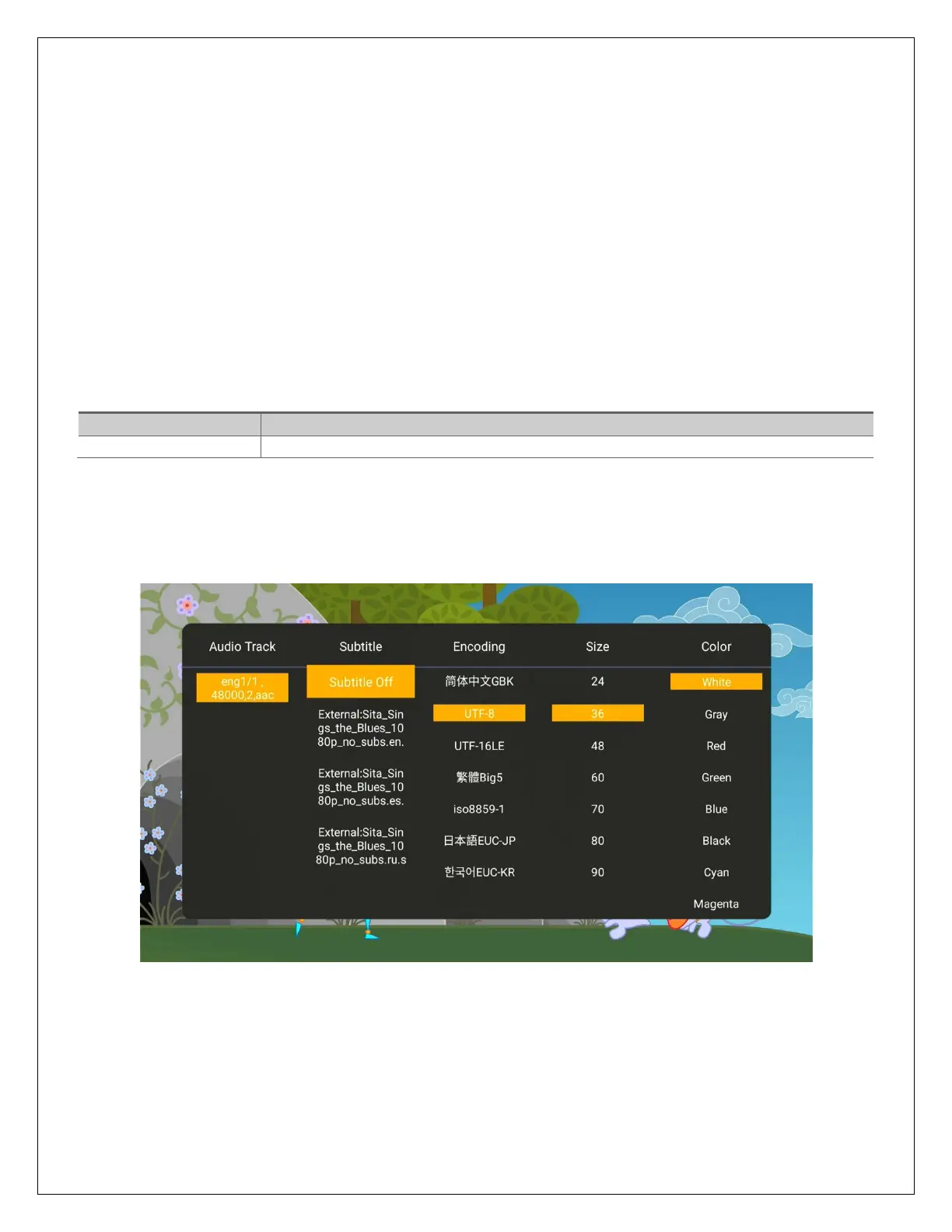
To access additional subtitle settings, press the MENU button on the remote control to bring up
the video settings menu, and then press the RIGHT button to access scroll to the right and
access all subtitle setting options:
Subtitle text encoding, size, and color settings are not available when playing image-based
subtitles such as DVD IDX+SUB and BD PGS.



 To Next Page