Copyright © 2009-2022 Micca. All rights reserved. Page | 14
5.3 Viewing Photos
While viewing photos, the following remote control commands are available:
Press to view the photo full screen and start the slideshow. Press
to pause the slideshow.
Press to stop viewing the photo fullscreen
Press to go to the previous or next photo.
Zoom in on the current photo. Use the
buttons to
increase or decrease zoom levels. Press OK to toggle into
scrolling mode and use the UP/DOWN/LEFT/RIGHT buttons to
scroll.
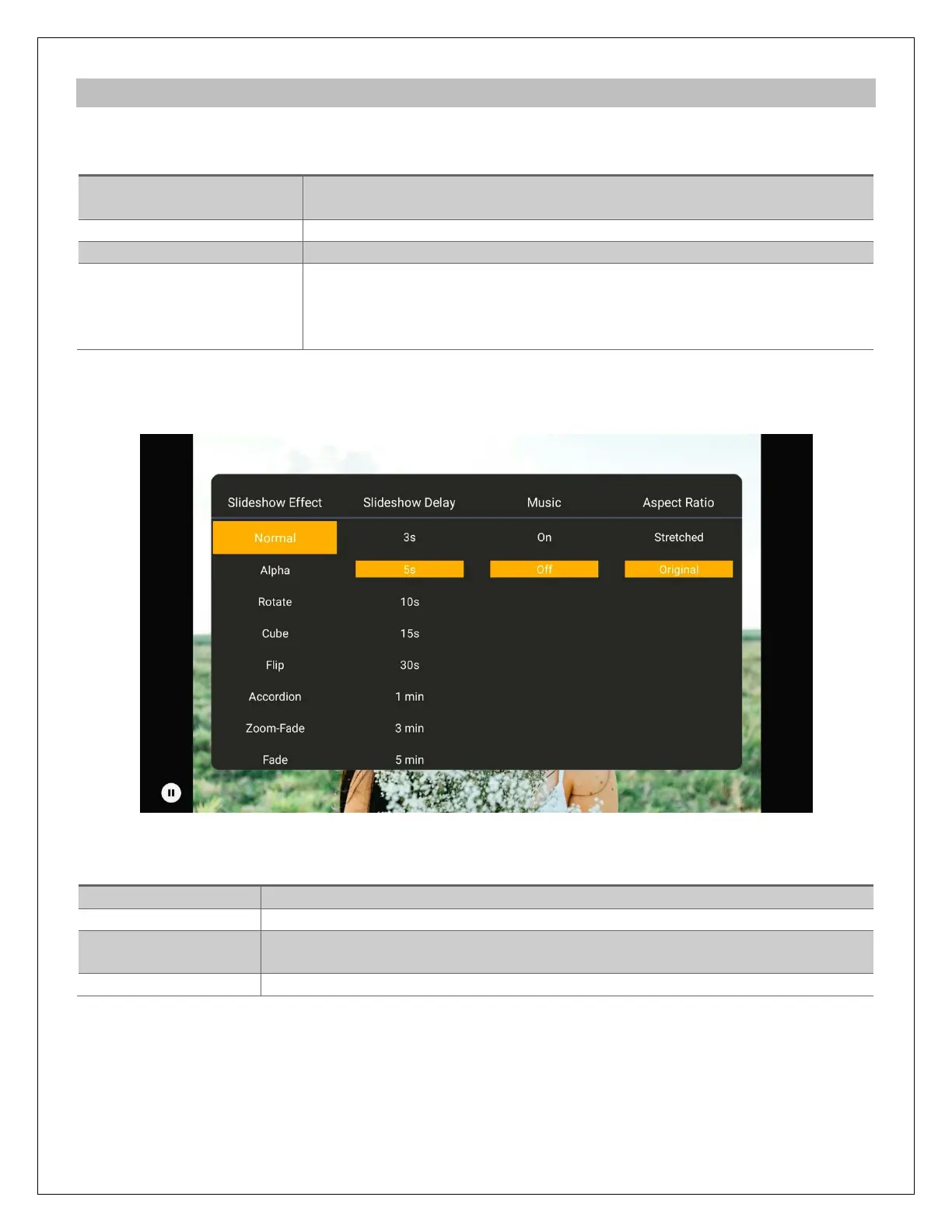
The photo settings menu provides on-screen access to additional photo viewing options. To use
the photo settings menu, press the MENU button while viewing a photo full screen.
The photo settings menu offers the following settings:
Sets the transition effect between photos in a slideshow
Sets the time delay between photos in a slideshow
Sets background music on or off. Music files must be in the same folder
as the photos.
Choose the photo aspect ratio: Stretched, Original.



 To Next Page