Copyright © 2009-2022 Micca. All rights reserved. Page | 6
2) Configure the player’s video output according to ‘6.1.2 Display Resolution’ of this
manual.
3) Configure the player’s audio output according to ‘6.1.6 Audio Output’ of this manual.
4) Consult the TV or home theater receiver’s manual for configuring its HDMI inputs.
3.2.2 Composite Video and Analog Audio Connection
When using a TV or home theater system that only has a composite video input, the player’s
composite video and analog L/R audio output can be used.
1) Plug the 3.5mm connector of the red/white/yellow AV cable to the player’s AV output jack
and the other end of the red/white/yellow AV cable to an available AV input on the TV.
2) Configure the player’s video output according to ‘6.1.2 Display Resolution’ of this
manual.
3) Consult the TV or home theater receiver’s manual for configuring its AV inputs.
3.3 Main Menu
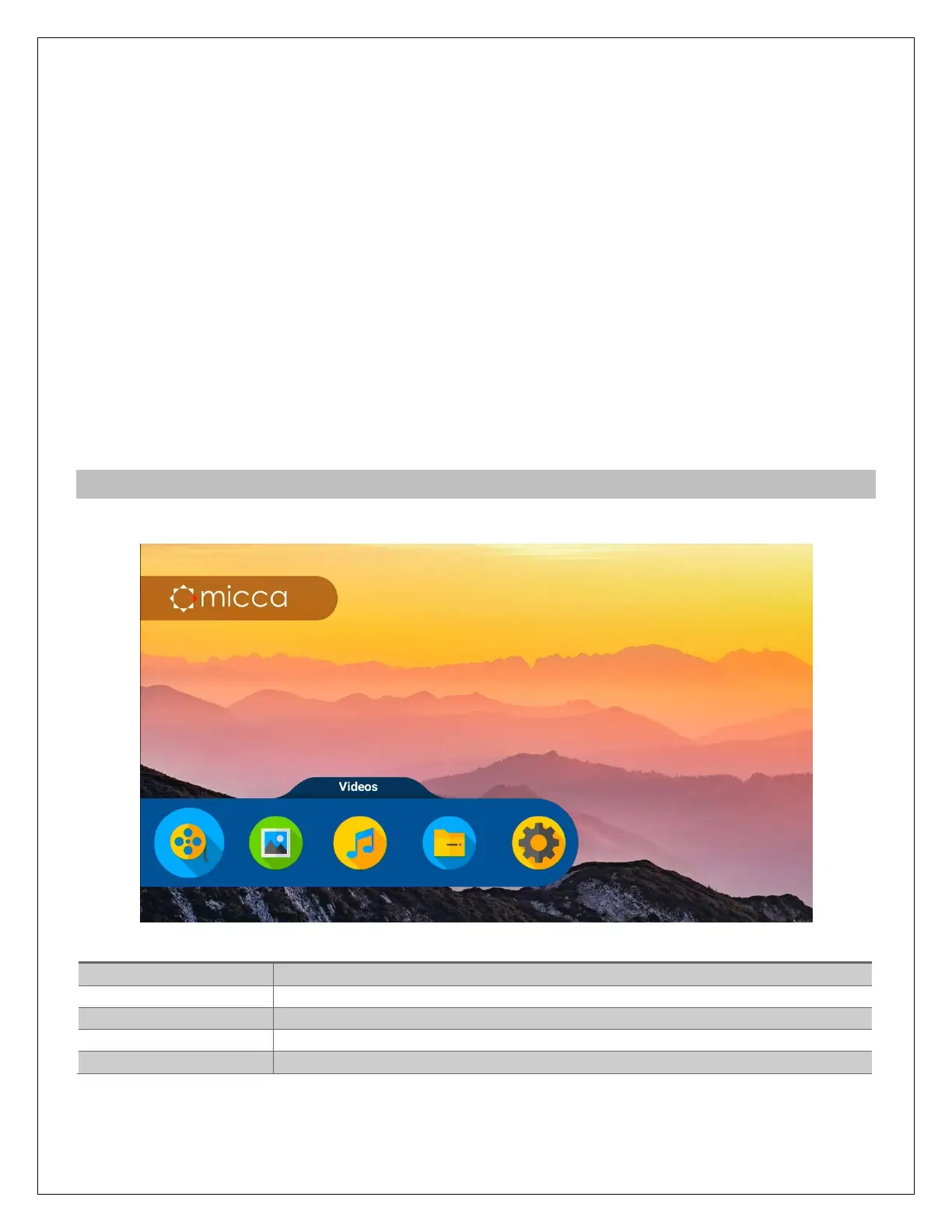
After turning on the player it will display the main menu.
Browse and play video files only
Browse and view photos only
Browse and play music files only
Browse and play all supported media types
Access the setup menu to change player settings



 To Next Page