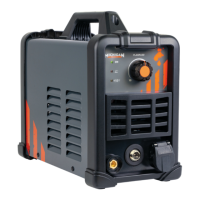
10 ACDC200LCD
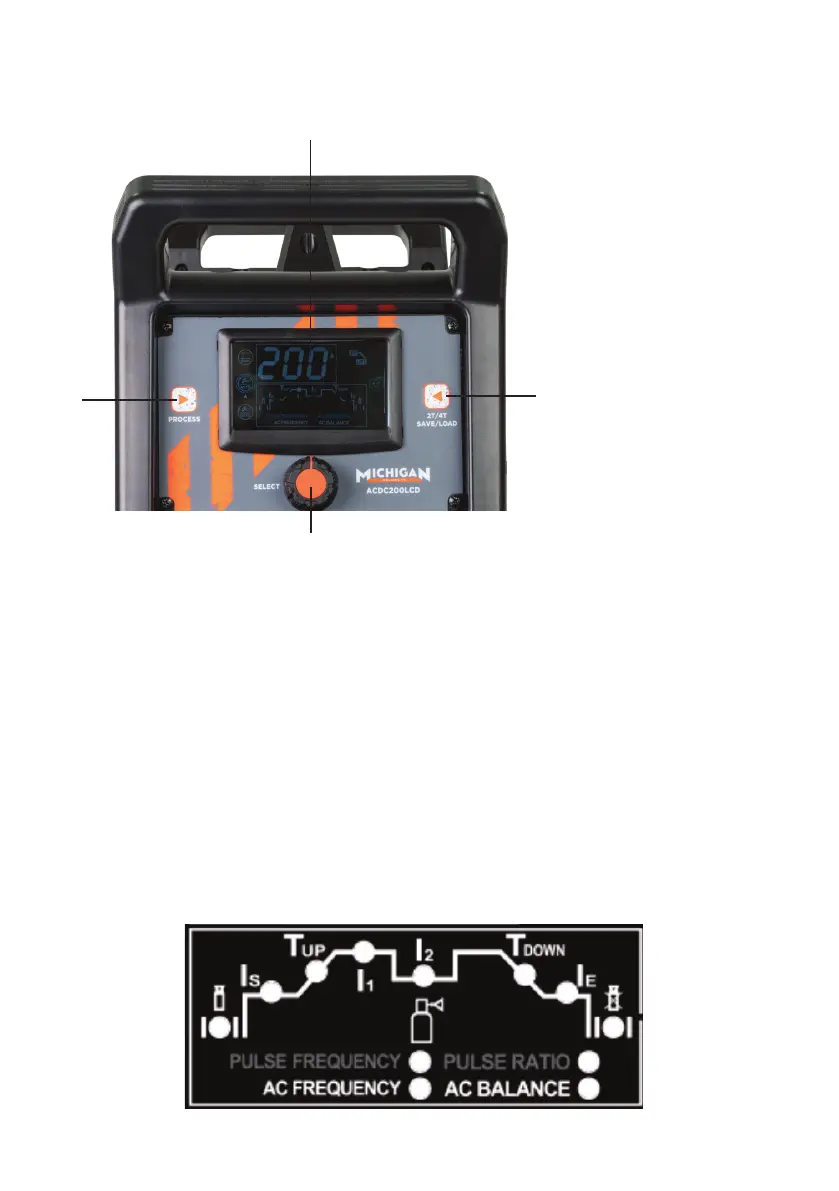
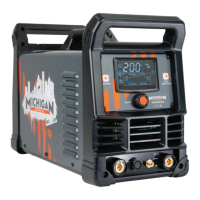
Front Control Panel
1
2
3
4
1. LCD Screen: When the machine is turned on, this LCD will illuminate showing the
parameters of the selected mode.
2. Process: Toggles between welding modes: STICK, AC TIG, AC TIG PULSE, DC TIG,
DC TIG PULSE
3. Select Knob: Toggles between the dierent parameters, press and turn to adjust
selected parameter.
4. 2T/4T select/ Save/Load: Switches between 2T & 4T. Press and hold will give the
ability to load pre-set parameters.
Parameters
This part is to show the procedure, when the indicator lights, the corresponding
parameter can be adjusted with the select knob. See following details:
1
2
3
4
5
6
7
8
9 10
11 12


 To Next Page