b. Vibration Alert:
This vibration alert function just work under stationary
status. How to use this function:
c. External Battery Low Voltage Alarm
* Enable the device to enter into arm mode by this
sms command:
ARM#
* Conifgure the alarm ways by this sms command:
SENALM,[A][,M]#
A=ON/OFF, default: OFF;
M=0/1/2, way of alarming,
0 :GPRS only, 1: SMS+GPRS, 2: GPRS+SMS+phone call, default:1
*
Configure SOS numbers for the tracker by this sms command:
SOS,A,1st number,2nd number,3rd number#
* Command format: LVALM,A,B,M#
d. Engine Start and Flameout Alarm
* Command format: ACCALM,A,B,M#
A=ON/OFF, default:ON;
A=ON/OFF, Default: ON;
B: 0/1/2; 0: ACC ON Alarm; 1: ACC OFF Alarm; 2: ACC
ON&OFF Alarm; Default:2
M: 0/1/2 (way of alarm): 0 : Server only,
1: SMS+Server, 2: SMS+Server+Call, Default:1;
For example: ACCALM,ON,2,1#
This means once the device detects engine start and engine flameout it will send alarm
message via server and sms.
M=0/1/2, way of alarming, 0: Server only,
1: SMS+Server, 2: SMS+Server+Call, default:1;
For example: LVA LM,ON,11.5,1#
This means once the external battery voltage is less than 11.5v the device will send alarm
message via server and sms.
B=9-95V (voltage alarm threshold) , default: 11.1v
3 SOS numbers supports at the most
* Keep the device under stationary status more than 5min to let it enter into sleep arm mode;
* Vibrate the device then the tracker will send the vibration alarm messages
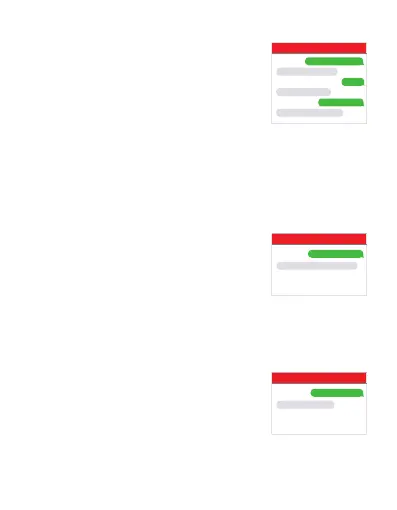
For example:
SOS,A,12345678910#
SET SOS NUMBER OK
ARM#
SET ARM MODE OK
SENALM,ON,1#
SET VIBRATE ALARM OK
MV810G
For example:
LVALM,ON,11.5,1#
SET LOW VOLTAGE ALARM OK
MV810G
For example:
ACCALM,ON,2,1#
SET ACC ALARM OK
MV810G



 To Next Page