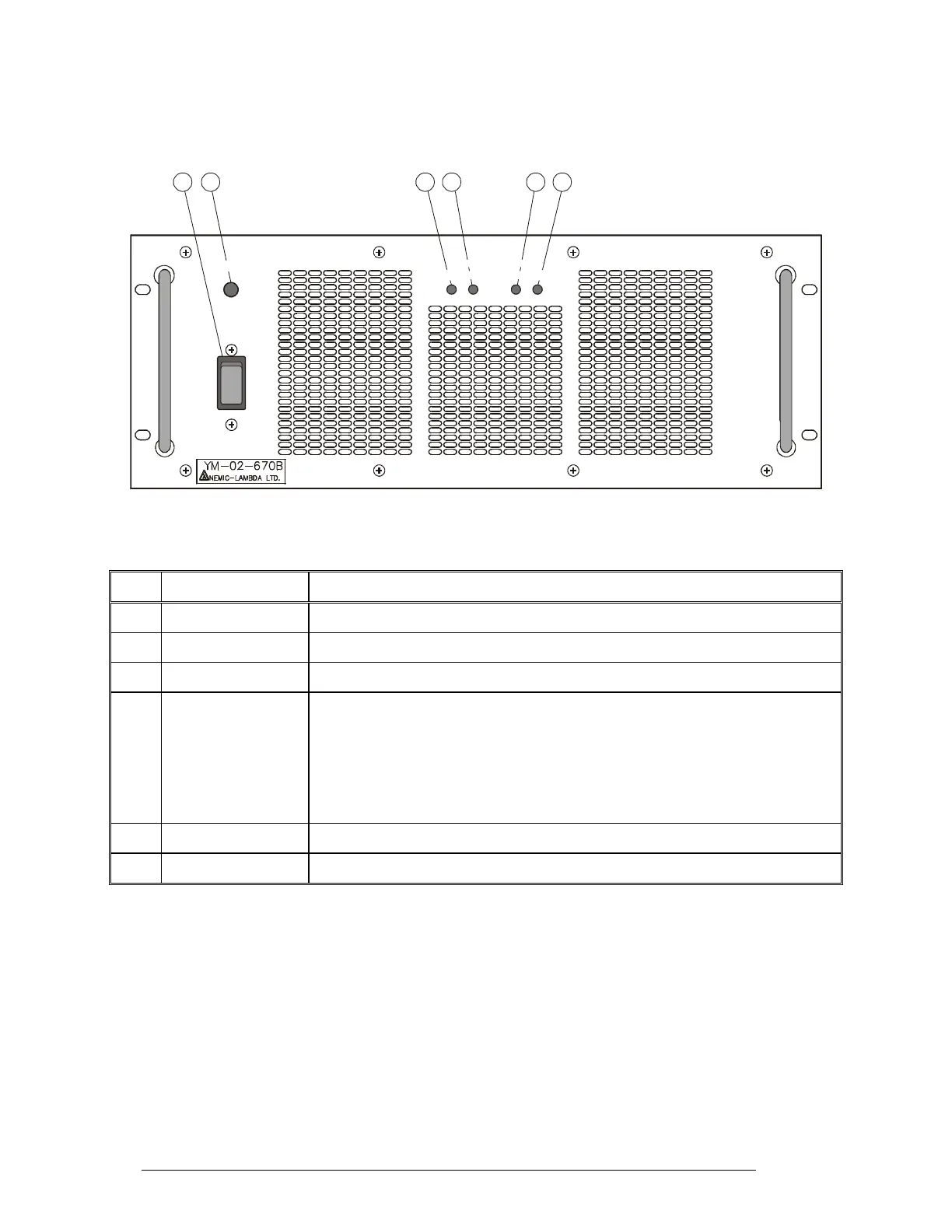
PS Front Panel
Figure 12 identifies the items located on the front panel of the PS unit, and Table 7 explains their
functions.
OUT 1 OUT 2
OK NG OK NG
AC ON
ON
OFF
12 3 546
Figure 11. PS Front Panel
Table 7. PS Front Panel Items
Item Description Function
1 ON/OFF switch Turns the PS on
2 AC ON indicator Lights when the PS unit is powered
3 OUT 1 OK indicator Lights when the power supply subsystem 1 operates normally
4 OUT 1 NG indicator Lights when the output voltage provided by power supply subsystem 1 is not
within ±25% of its normal value.
To protect the 1 kW amplifier, the output voltage is automatically turned off in
case it exceeds the maximum value. To attempt returning to normal operation,
turn the PS off and then back on: if problem recurs, the PS unit must be
serviced
5 OUT 2 OK indicator Same as Item 3 for power supply subsystem 2
6 OUT 2 NG indicator Same as Item 4 for power supply subsystem 2
28 6888882V02



 To Next Page