Mach 8
12
©2018 Micro-Air Rev 1.01
Identifying the wires
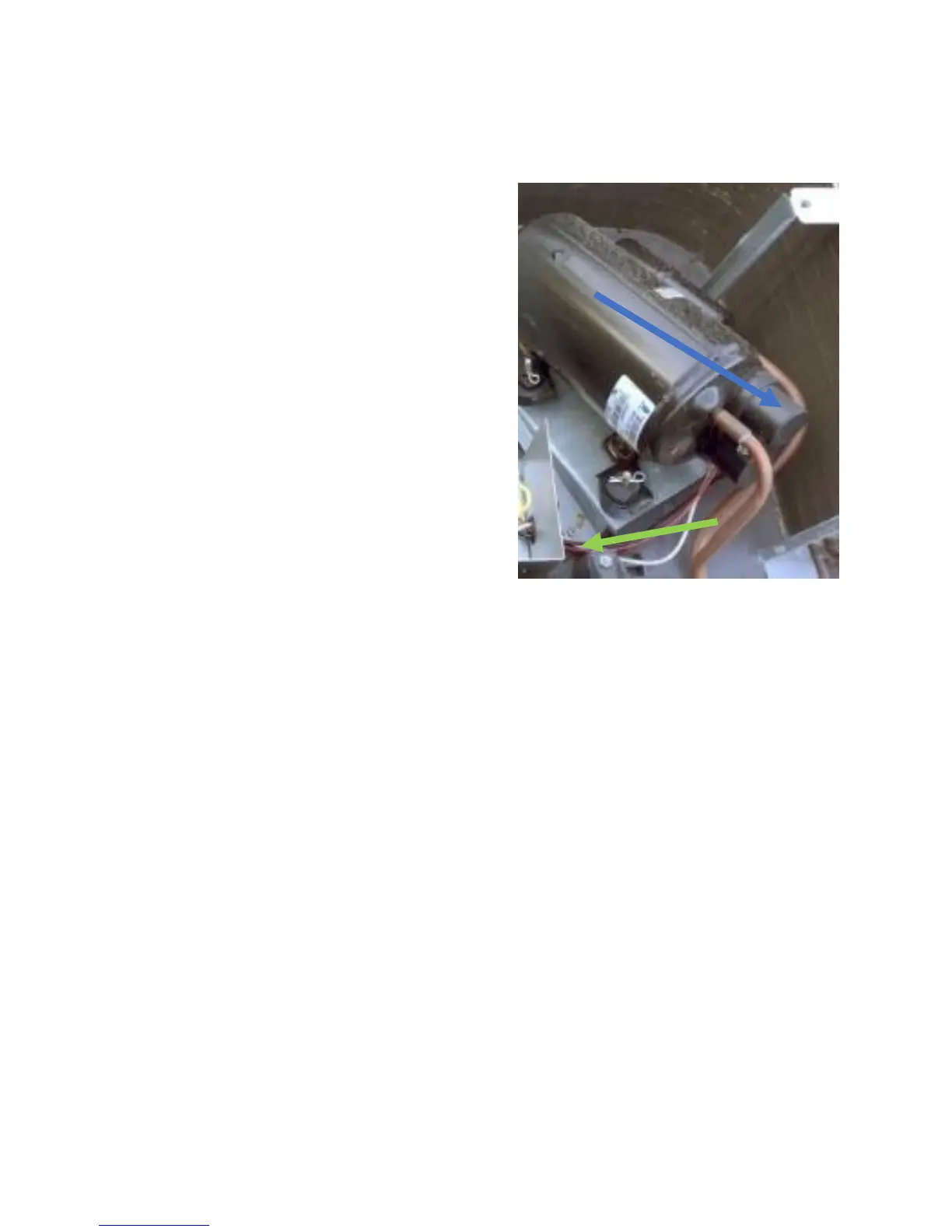
The blue arrow to the left points to the top of
the compressor in Image 16. Three wires exit this cap
colored BLACK, WHITE, and RED. These wires enter the
electric box as shown by the green arrow in Image 16.
The connections these wires make inside the electric
box will be used to connect EasyStart in the next
installation steps.
Routing the wire
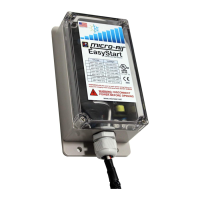
Route the wires into one of the wire entries on the side of the electric box. There is usually
enough room where the compressor wires enter the box to add the EasyStart wires. Secure any excess
wire using the wire ties supplies in the installation kit.


 To Next Page