Mach 1, 3, 3+, 10, 15
5
©2018 Micro-Air Rev 1.01
Mounting locations
Image 1
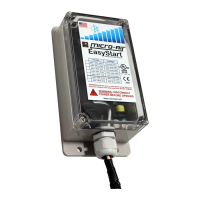
The blue arrows in image 1 above show possible mounting locations. This can vary depending on
how the tubing is run in this part of the air conditioner. Use the double-sided tape included in the
optional installation kit to secure EasyStart to the Air Conditioner. The wire exit should be pointing down
or the box should be mounted parallel to the bottom of the cabinet.
Clean and dry the selected mounting area. Use double sided foam tape to secure the enclosure
to the air conditioner in one of the identified areas.
The green arrow in Image 1 shows the location or the door for the electric box. Remove the
screws to gain access to the inside of the box.
Routing the wire
The electrical box wire entry is sealed with a putty
as shown in image 2. Pull back the putty and push through
the EasyStart wiring harness. Replace the putty by pressing
it around all the wires. Leave the black sleeve around the
wires intact where they enter the electrical box. Neatly
secure the wires using wire ties.



 To Next Page