Nabi User Manual
www.md-best.com
All Rights Reserved
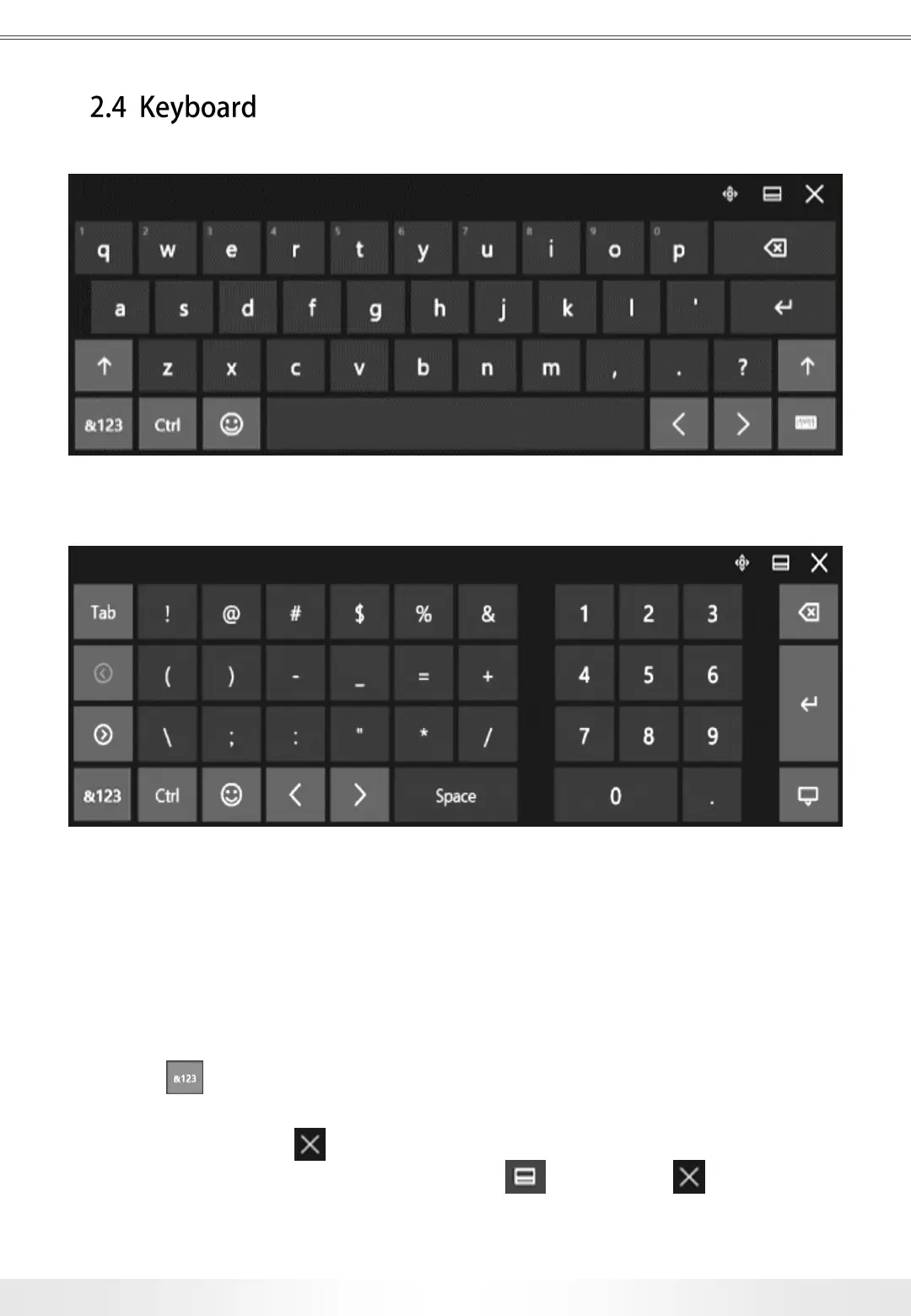
There is an internal keyboard functionality for the touch screen; however,
users may make use of their own keyboard and mouse by connecting them through
the USB Ports located on the right side of the instrument.
The keyboard will automatically pop up when any letter box (e.g. title) is touched.
When button located at the bottom left corner of the keyboard is touched,
it will convert to the number and special letter pad. The users can also minimize the
keyboard by touching button located at the upper right corner of the keyboard,
and also freely move the keyboard, by touching button next to
English Letter Keyboard
Number and Special Letter Keyboard
10
2. Basic Use


 To Next Page