www.md-best.com
All Rights Reserved
Nabi User Manual
Procedure
1. Proceed to the Measurement page under the Protein menu
2. Insert the title of the measurement.
3. Set a blank value for the measurement. (Refer to pg. 8)
(In Others, Users have to set the wavelength before setting the blank value)
4. Set the Standard Curve for the measurement. (Refer to pg. 16)
5. Insert the target sample in a cuvette. (Minimum Volume: 1mℓ)
6. Touch Read button to start the measurement.
7. Check the results on the screen. The resulting data will be saved automatically,
and can be searched in the search panel.
19
3. User Interface
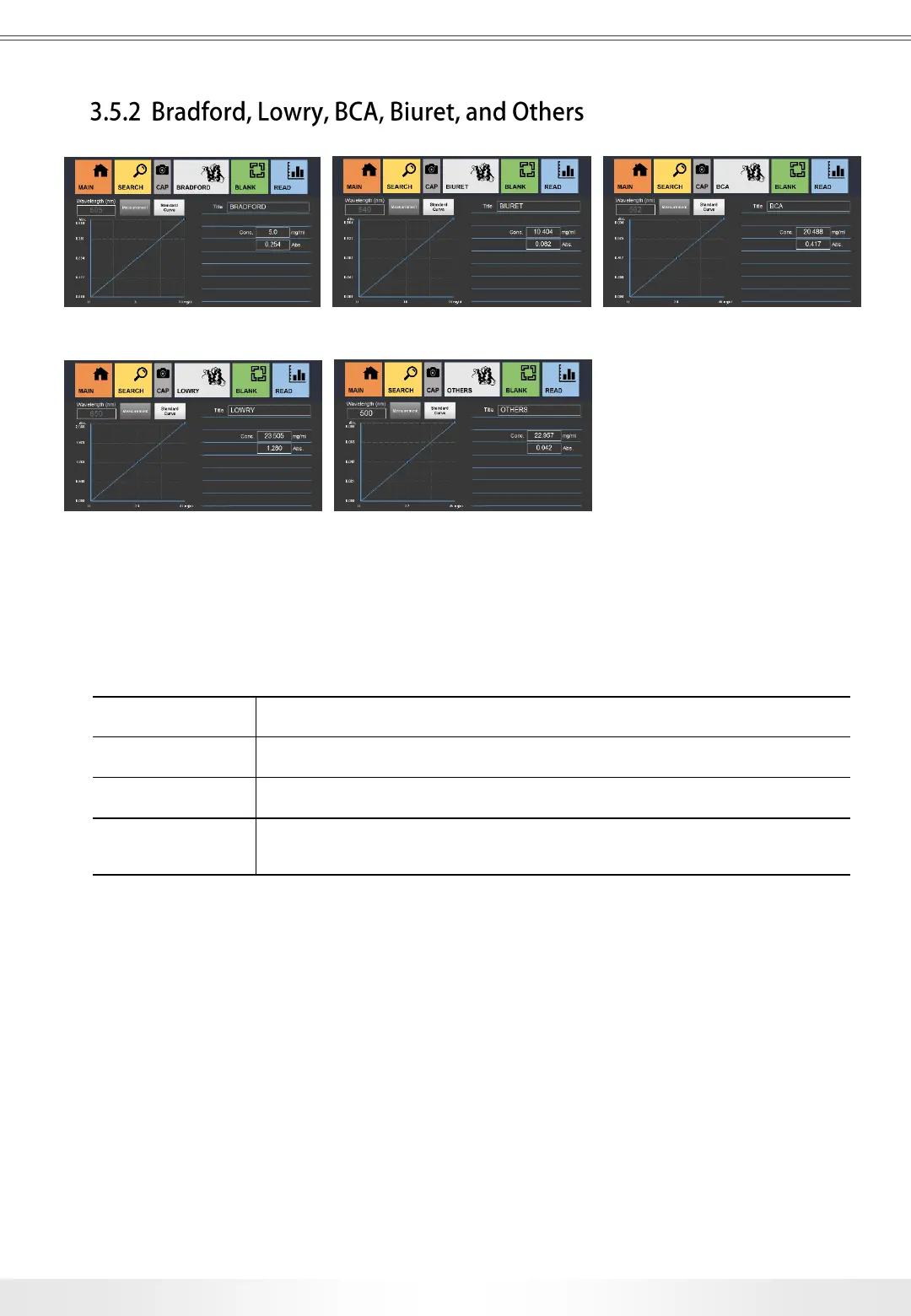
Bradford Page Biuret Page BCA Page
Lowry Page Others Page
There are various options for protein samples measurements: Bradford, Lowry, BCA,
Biuret, Direct UV, and Others with a wavelength option. In every Measurement page, there
is a Standard Curve page to set the Standard Curve before the measurement.
Title Title of the measurement.
Conc. Shows the concentration of the sample.
Abs. Shows the Abs. value of the sample.
Wavelength
Shows the wavelength of the current measurement.
(In Others page, users can set the wavelength on the measurement)


 To Next Page