Rotary Microtome HM 340 E
MICROM International GmbH
Robert-Bosch-Str. 49
D- 69190 Walldorf 386 200 - English
4
2
1
3
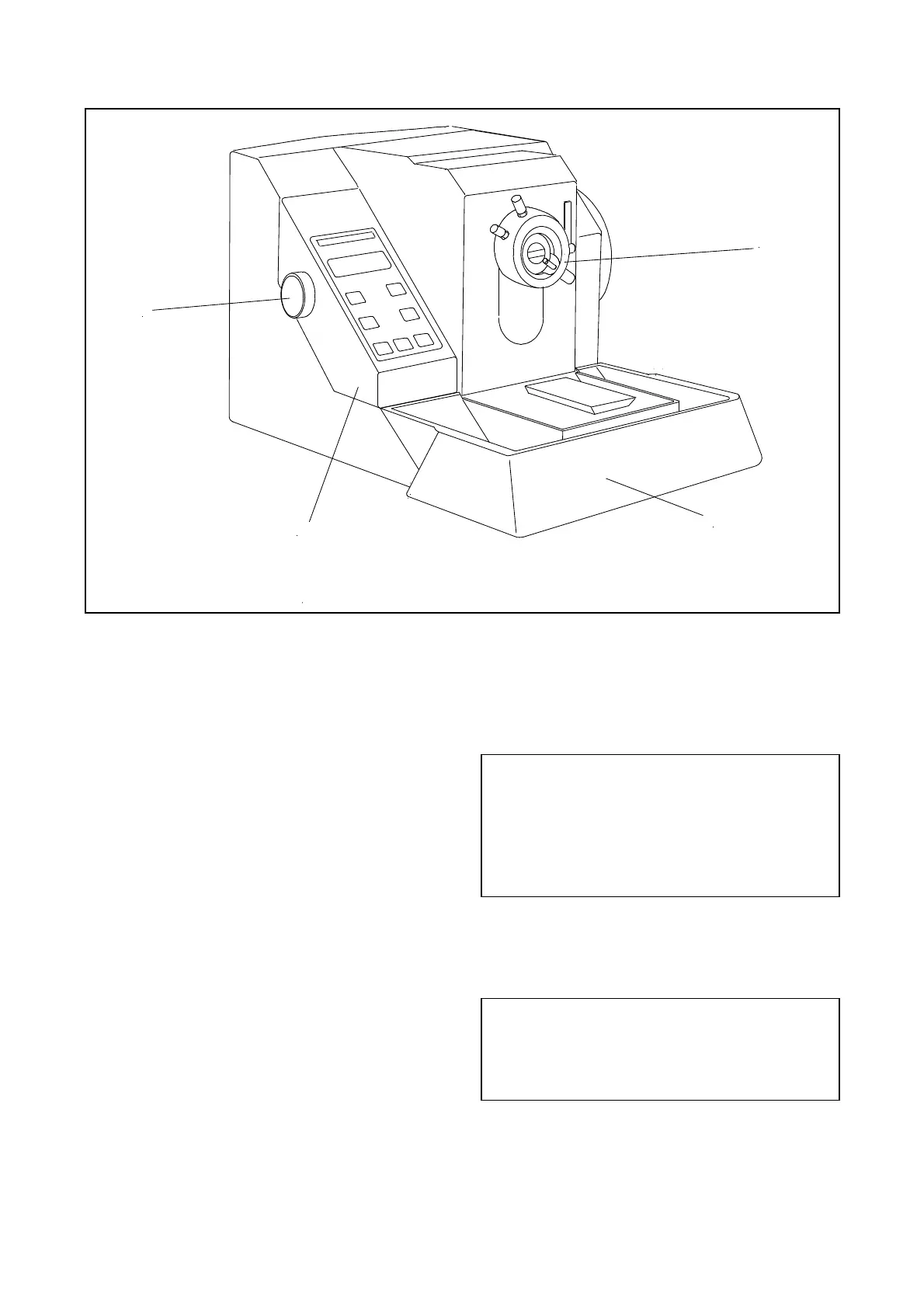
Fig. 5
2-5 SETTING SECTION THICKNESS
AND TRIMMING THICKNESS
The required section and trimming thicknesses are
set by means of the control knob (fig. 5.3), which
is situated on the left side of the operating panel
(fig. 5.1).
To choose between section thickness and trimming
thickness, press the control knob (fig. 5.3). A
marking in the first line of the display (fig. 6.1)
shows which cutting thickness is selected.
If the trimming thickness is chosen, the LED in
button (fig. 6.6) lights up in addition to the
marking on the display.
When turning the control knob (fig. 5.3), slight
resistances can be felt. The selected values are
shown in the second line on the display (fig. 6.1)
of the operating panel.
"FEED" = selected section thickness,
"TRIM" = selected trimming thickness.
The graduation of the section thicknesses is
divided into 6 ranges:
range graduation
up to 2µm 0,5µm
from 2µm to 10µm 1µm
from 10µm to 20µm 2µm
from 20µm to 30µm 5µm
from 30µm to 40 µm 10µm
from 40µm to 100µm 20µm
The graduation of the trimming thicknesses is
divided into 4 ranges:
range graduation
up to 10µm 5µm
from 10µm to 100µm 10µm
from 100µm to 200µm 20µm
from 200µm to 500µm 50µm



 To Next Page