TIGHTEN THE PENETROMETER NUT
1. Apply grease to the penetrometer bulb and remove any excess grease.
2. Hold the penetrometer upright (sample bulb opening facing upward) and place a seal on the bulb
opening.
3. Turn the seal one half turn to smooth the grease and seat the seal.
Take care not to move the seal after seating onto the penetrometer bulb. The grease may
extrude too much and cause an air leak.
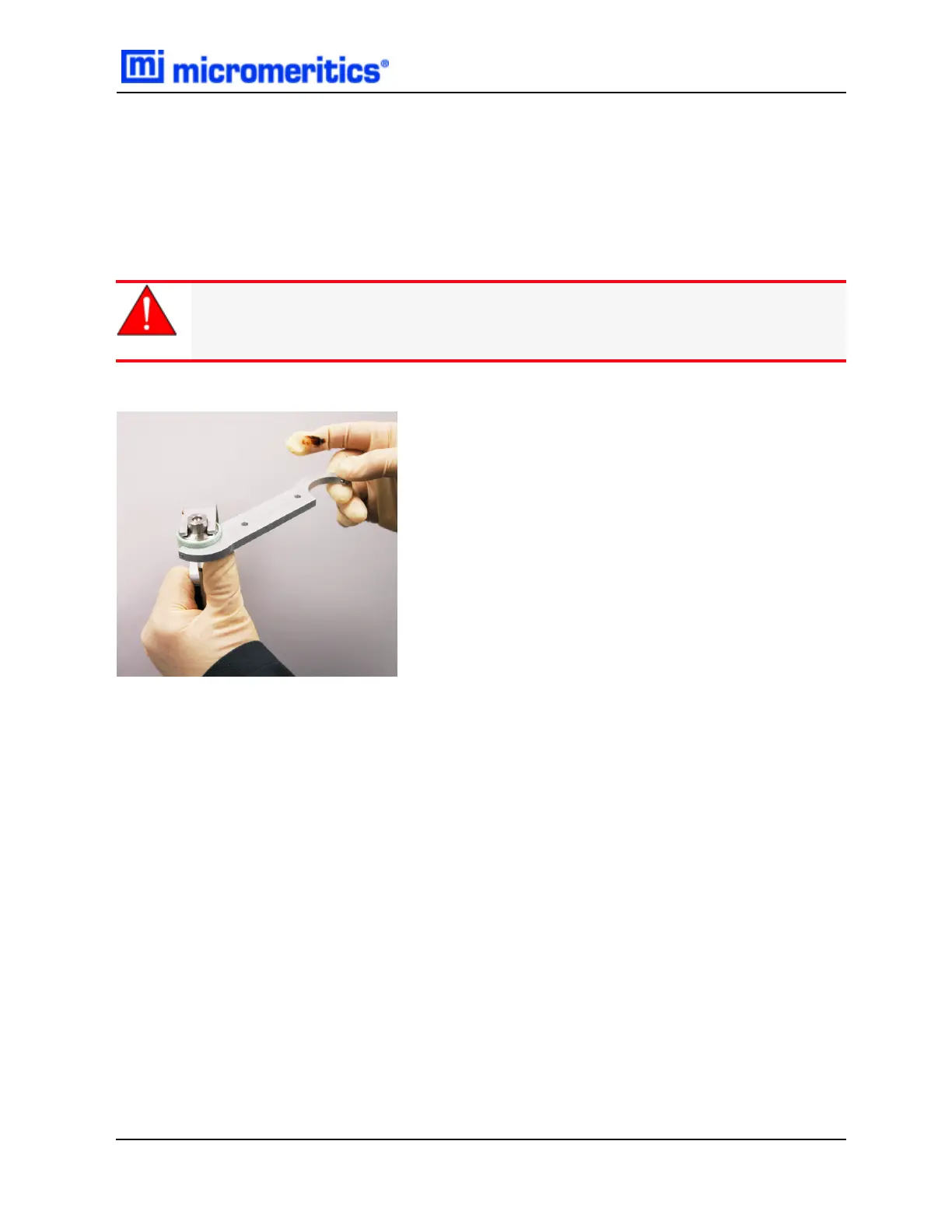
4. Place the penetrometer tool over the nut.
4. Place the wrench peg into a hole in the penetrometer nut. Use the penetrometer tool to stabilize
the cap while tightening the nut counter-clockwise.
Tighten the Penetrometer Nut
Penetrometer Closure Kit — 950-42805-00
May 2014
3



 To Next Page
 Loading...





