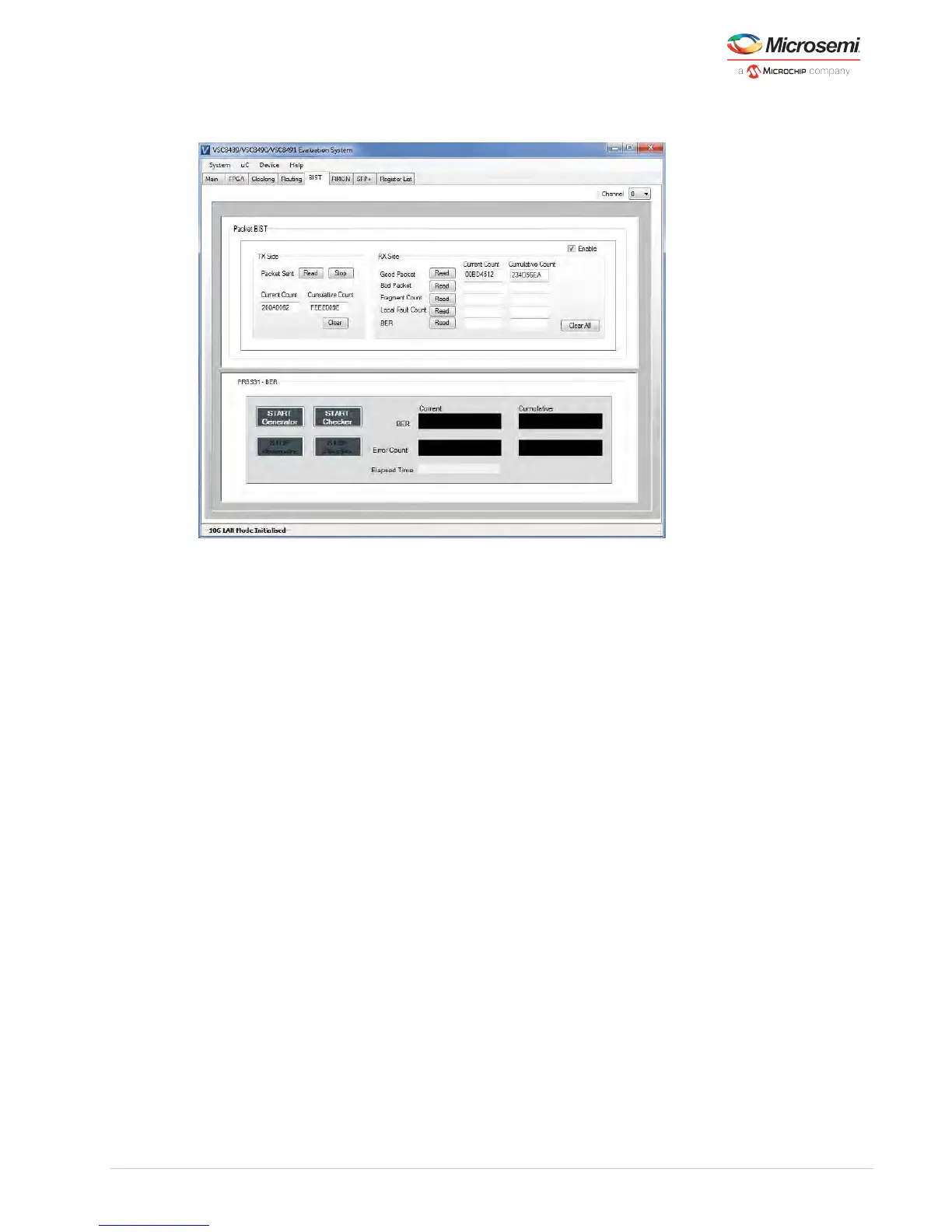
Figure 8 • GUI: BIST Page – Packet
Figure 9 shows the PRBS31 pattern generator and checker. Click and to Start Generator Start Checker
start the BIST. This begins the synchronization and error checking on the selected channel along with a
timer. The cumulative number of bit errors and the cumulative bit error rate are displayed.
Stop Checker will stop the timer and polling of the error count. The page will retain the last values. To
change from one channel to another the user may keep the generator on, but should stop and restart
the checker after changing the channel. While enabled, the error count register polling is not
interrupted when any other page is viewed.



 To Next Page