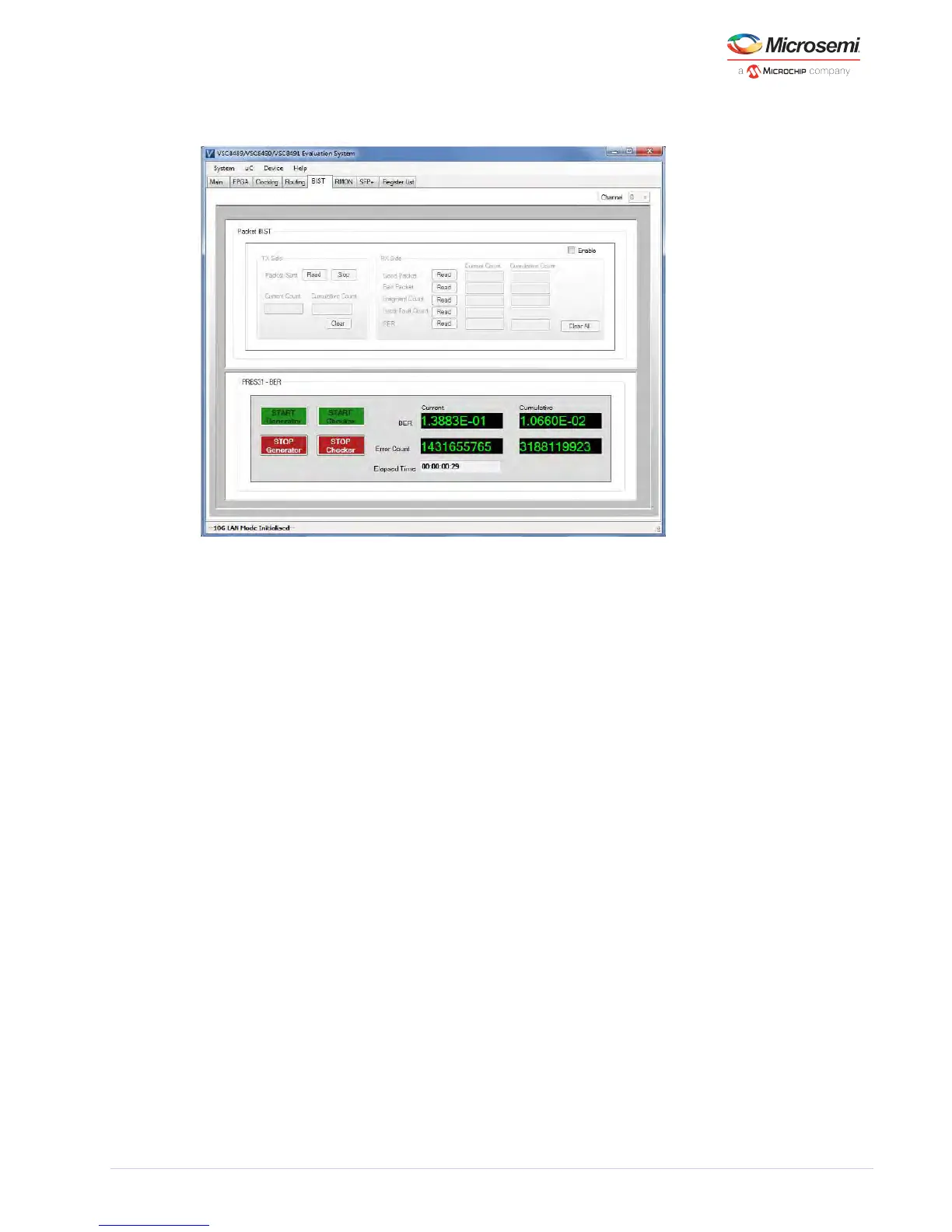
Figure 9 • GUI: BIST Page – PRBS31
5.8 SFP+
This page contains two tabs. One for address A0 h and the other for address A2 h.It reads out the value
of various data fields from the SFP+ transceiver for both these addresses. Be sure that the transceiver is
inserted properly otherwise the “Transceiver not found” message will appear after the user clicks the
button. After successful module reads, the module information will be decoded and displayed on Read
the page. Where options exist, the selected option will show as green while the remaining options will
show as red. Although the device’s two-wire serial master can read the module contents, the default
configuration accesses the module from the microcontroller.



 To Next Page