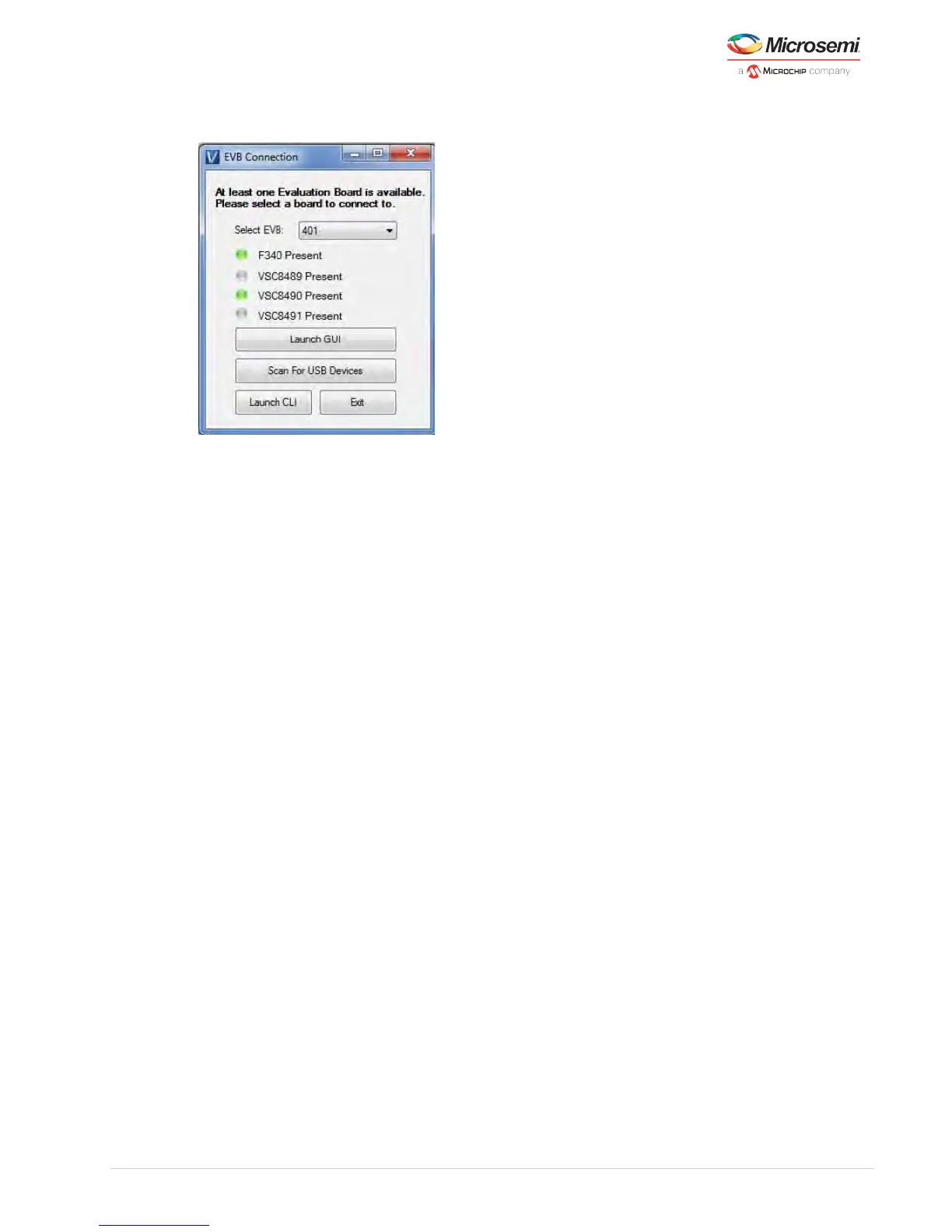
Figure 3 • EVB Selection Window
5.3 Main Page
The following figure shows the GUI Main page. When the communication is successfully established, it
should say “CONNECTED” at the bottom left corner of the main page. The serial number of the EVB
shows up on the left corner of the page along with the silicon revision, communication protocol used
and the port address. MDIO is the communication protocol used and Channel 0’s default port address is
30 (0 × 1E).
The Mode Initialization box allows the user to choose the mode. 1 G LAN, 10 G WAN, and 10 G LAN are
the supported operating modes. During device initialization, which may take upwards of 2 minutes due
to the microcontroller limitations, the “INITIALIZING” message will appear in the lower corner of the
window. When complete the message will update indicating completion.
The PLL status box shows the host and line side PLL status per channel for the receive and transmit
sides. The LED illuminates green when the appropriate PLL is activated after the mode has been
initialized.



 To Next Page