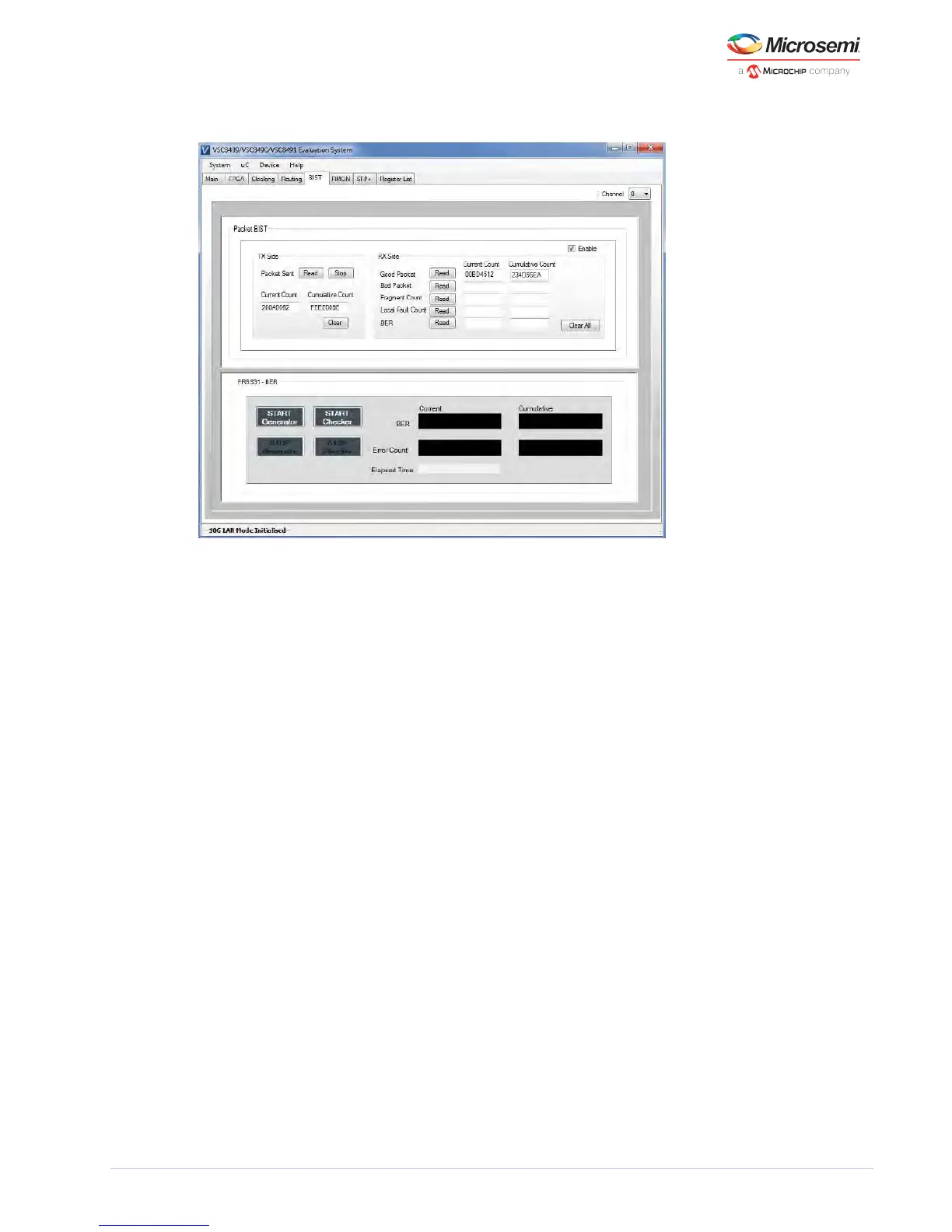
Figure 10 • GUI: SFP Page
5.9 Register List
The Register List page provides read and write access to device registers. They are grouped into 10 tabs.
To select a register, click on the name in the list. The register’s description, address, read/write
capability and current value are displayed. To write to a device register, highlight the desired register,
enter the hexadecimal value in the “Value (Hex)” box and click Write. Clicking Read will read the same
register showing the register’s new contents.



 To Next Page