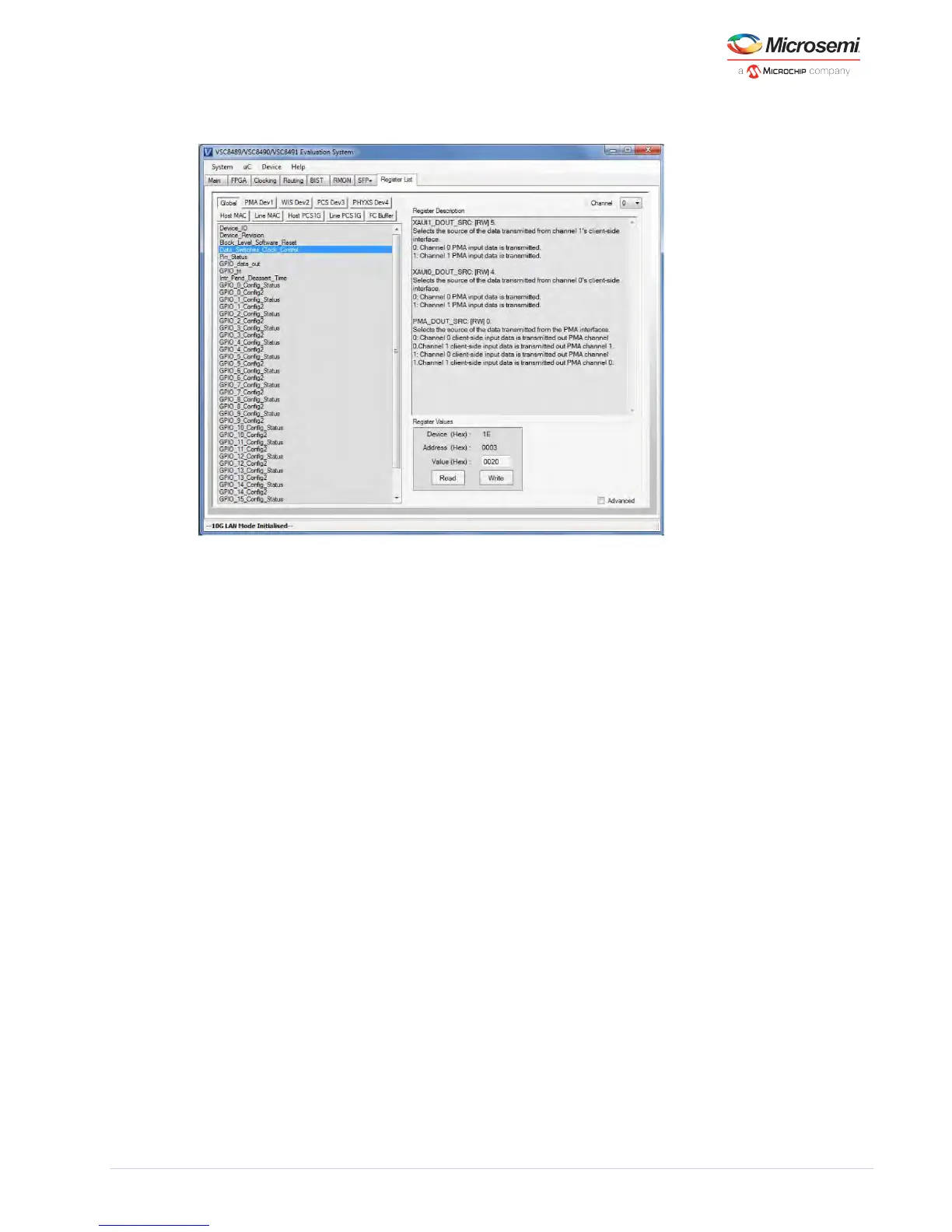
Figure 11 • GUI: Register List Page
5.10 Vitesse Command Line Interface
Clicking on > from the toolbar opens the Vitesse Command Line Interface (CLI) window. uC Vitesse CLI
From here users can load initialization files or other scripts.
When the button is clicked, another window will appear allowing the user to select the Load Macro
script to be executed as seen below. Clicking on the button will erase all previous commands sent Clear
from the CLI window.



 To Next Page