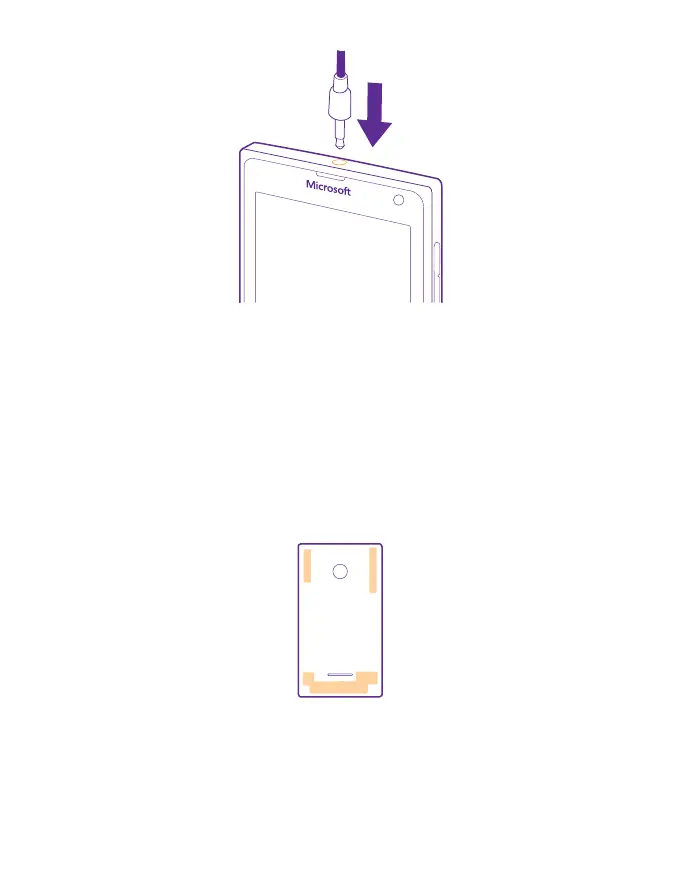
Do not connect to products that create an output signal, as this may damage the device. Do
not connect any voltage source to the audio connector. If you connect an external device or
headset, other than those approved for use with this device, to the audio connector, pay
special attention to volume levels.
Antenna locations
Learn where the antennas are located on your phone to get the best possible performance.
Avoid touching the antenna area while the antenna is in use. Contact with antennas affects
the communication quality and may reduce battery life due to higher power level during
operation.
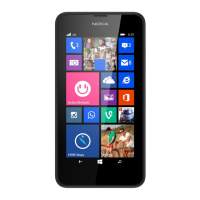
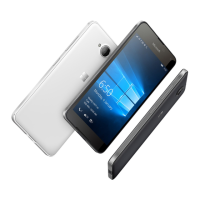
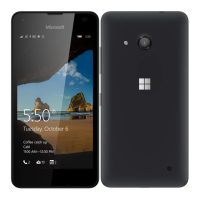
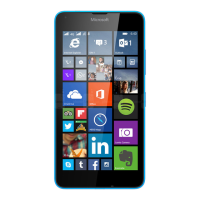
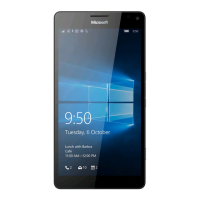
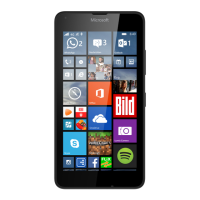
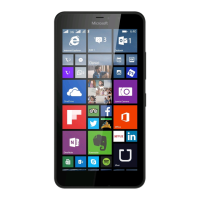
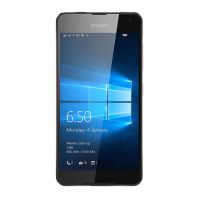
The antenna areas are highlighted.
© 2015 Microsoft Mobile. All rights reserved.
13


 To Next Page