Sync music and videos between your phone and computer
Do you have media on your computer that you want to listen to or watch on your phone? Use
a USB cable to sync music and videos between your phone and computer.
1. Connect your phone to a compatible computer with a USB cable.
2. In your computer's file manager, such as Windows Explorer or Finder, drag and drop your
songs and videos to your phone.
Tip: If your computer's operating system is Windows 7 or Windows 8, you can also use
the Windows Phone app. Windows 8 installs the app automatically. With Windows 7,
you can download it from www.windowsphone.com.
For info on which app works with which computer, see the following table:
Windows
Phone app
Windows
Phone app
for desktop
Windows
Phone app
for Mac
Windows
Explorer
Windows 8 x x x
Windows 8 RT x x
Windows 7 x x
Windows
Vista/XP
x
Mac x
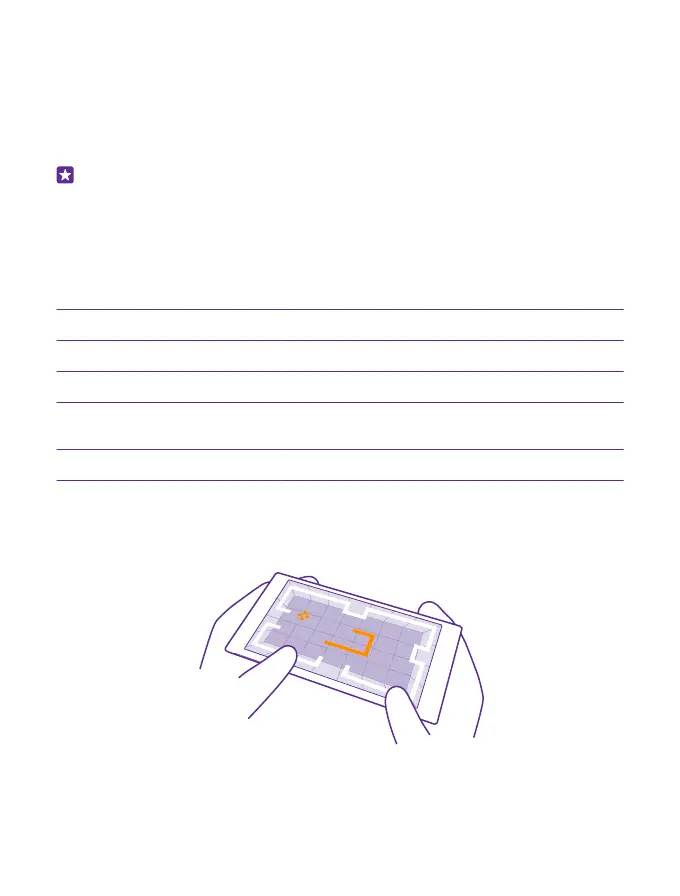
Games
Want to have some fun? Keep yourself entertained by downloading and playing games on
your phone.
© 2015 Microsoft Mobile. All rights reserved.
96














 To Next Page