Use the touch screen
Explore your phone with a tap, swipe, or drag.
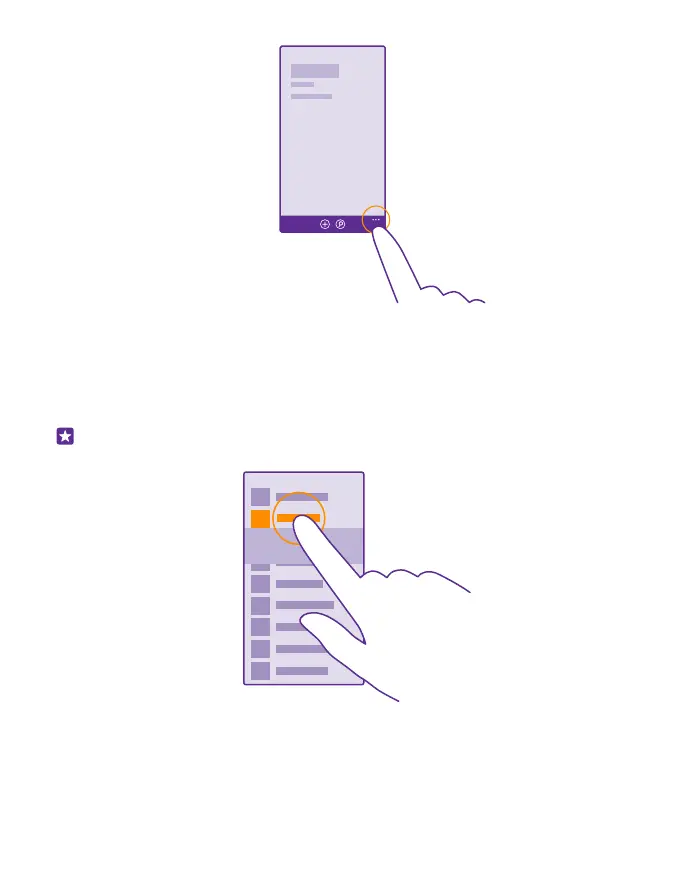
1. To use your phone, simply tap or tap and hold the touch screen.
2. To open further options, place your finger on an item until the menu opens.
Example: To open an app or other item, tap the app or item. To edit or delete a calendar
appointment, tap and hold the appointment, and select the appropriate option.
Tap and hold to drag an item
Place your finger on the item for a couple of seconds, and slide your finger across the screen.
© 2015 Microsoft Mobile. All rights reserved.
18














 To Next Page