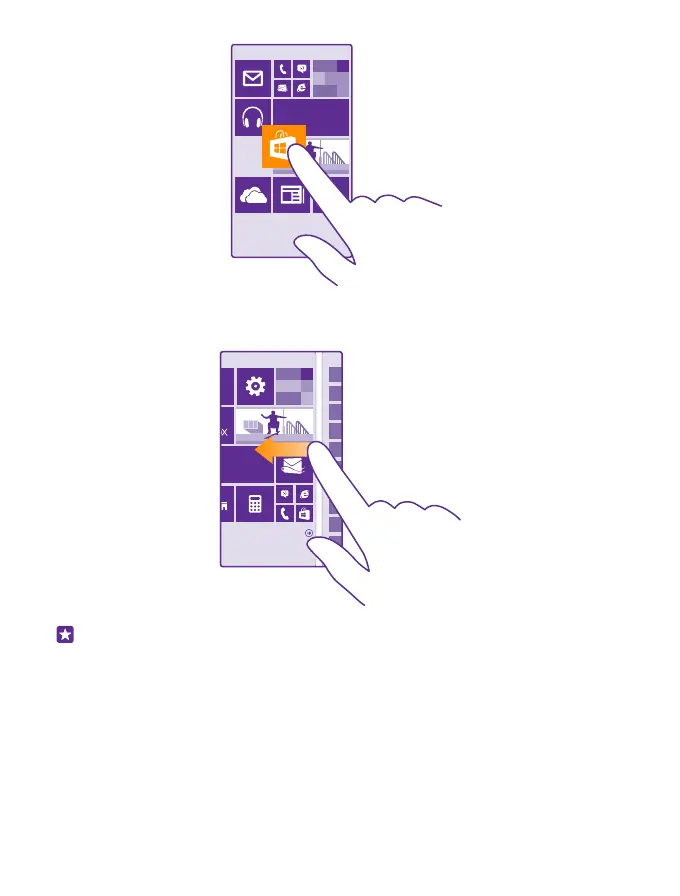
Swipe
Place your finger on the screen, and slide your finger in the direction you want.
Example: Swipe left or right between the start screen and the apps menu, or between
different views in the hubs. To quickly scroll through a long list or menu, slide your finger
quickly in a flicking motion up or down the screen, and lift your finger. To stop the
scrolling, tap the screen.
© 2015 Microsoft Mobile. All rights reserved.
19














 To Next Page