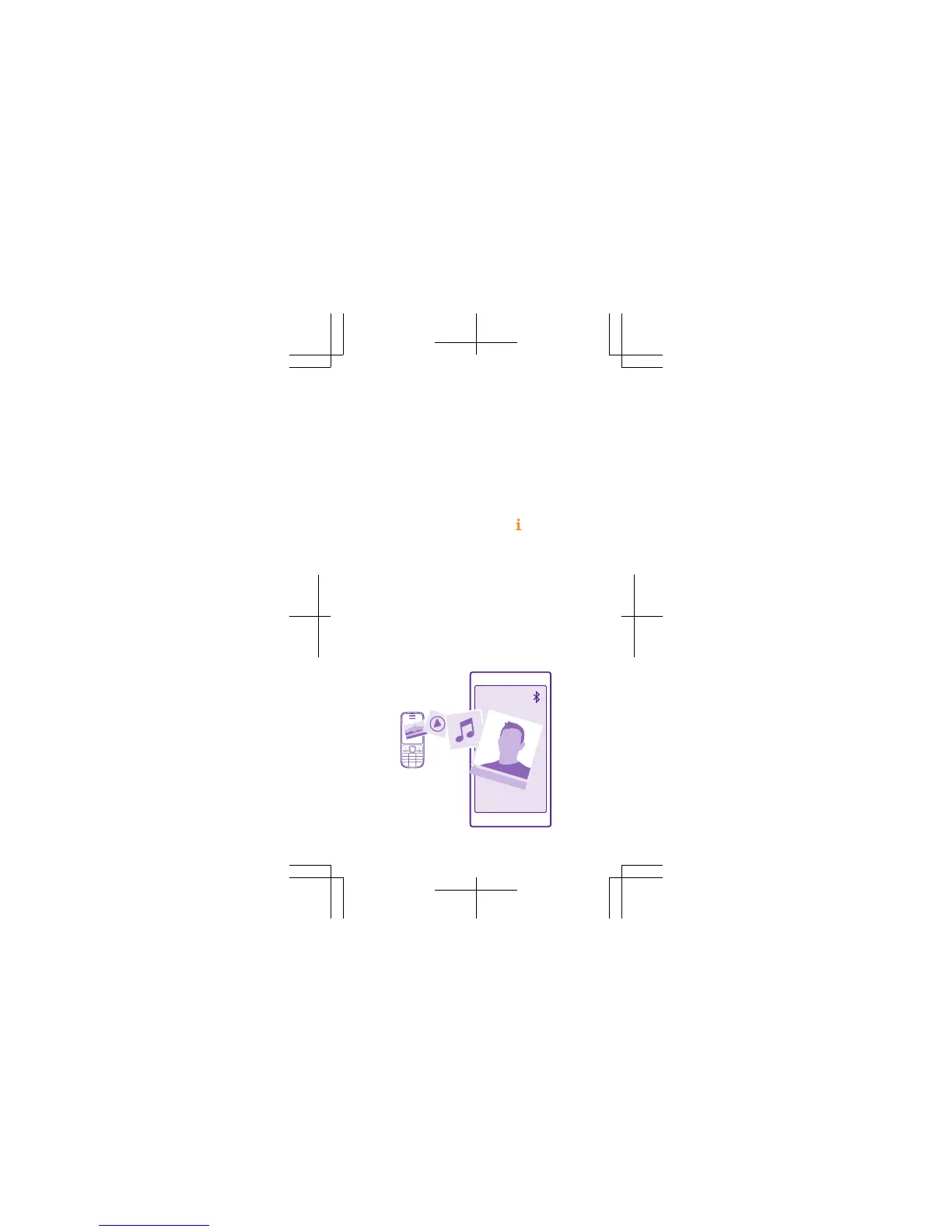
Transfer content from your old
phone
You can transfer content from your old phone in
several ways.
To transfer your contacts, text messages, pictures,
and videos, use the Transfer my Data app. Your old
phone must support Bluetooth. Not all phones may
be compatible with the transfer.
To transfer other content, such as music, see the
section for new Lumia users in the
Lumia Help
+Tips app, or go to www.microsoft.com/mobile/
switch-easy.









 To Next Page