17 M1171431
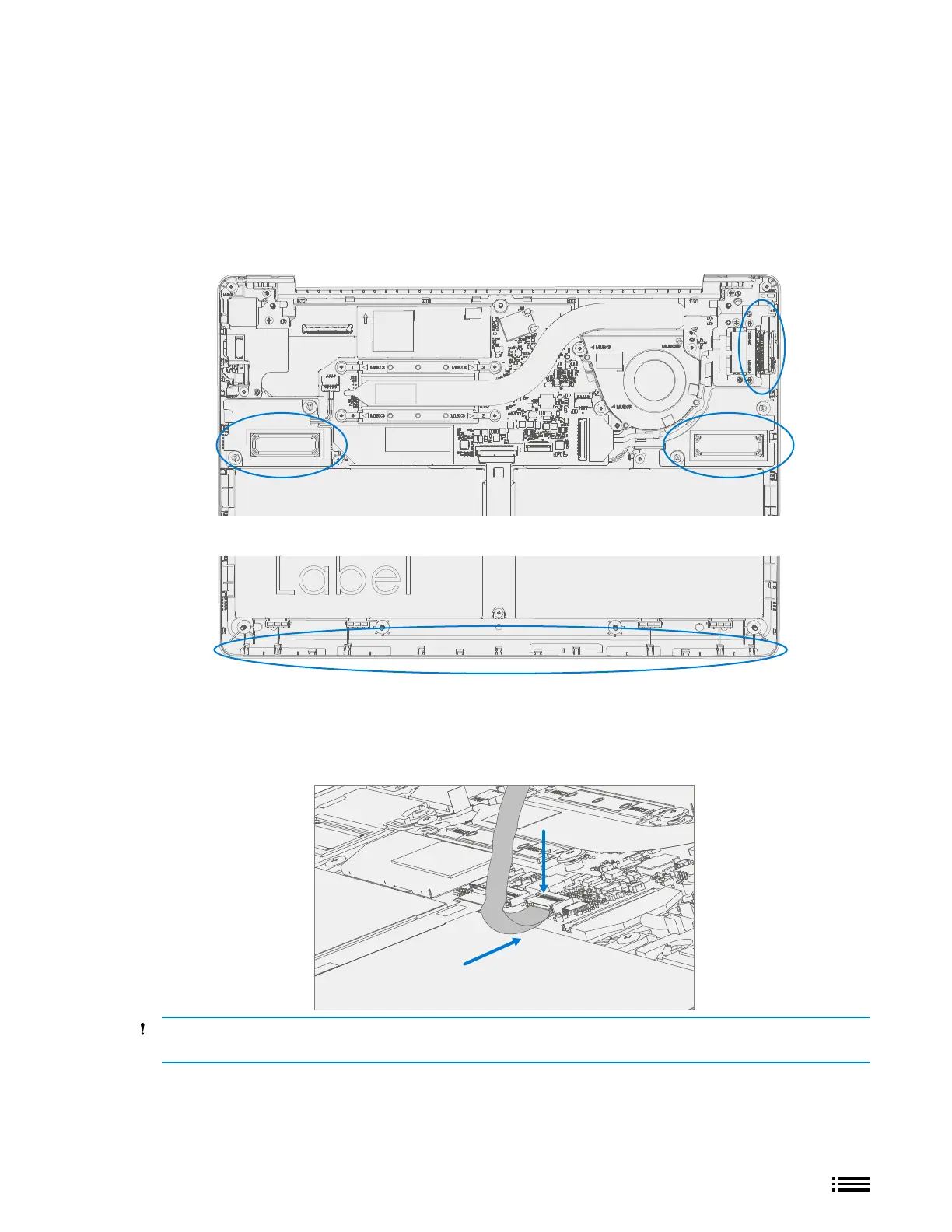
Reinstall C-cover Keyboard Process
1. Check for unexpected items within device – Check C-cover (both sides) and device enclosure for any loose
articles that may be present inadvertently on the C-cover or within the device enclosure areas.
a. Carefully inspect the battery surface and area around battery specically for any foreign objects
before removing battery cover.
b. Check and remove any foreign objects that the magnets may have attracted or that may have been
accidentally introduced into the device while open.
D-bucket
C-cover
2. Connect C-cover FPC – Remove battery cover. Hover the C-cover over the device while assembling the
C-cover FPC to the main board. Slide the FPC into the connector and then press down on the locking tab.
CAUTION: Be sure that FPC bends fall in place properly as pre-bent and no folds or creases are created
during re-assembly of C-cover.











 To Next Page