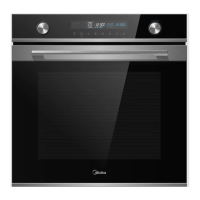
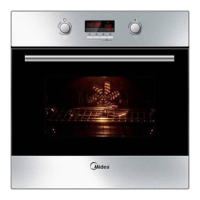
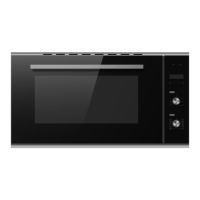
Heating Mode
Temperature
Time
250°C
1h
Settings
After the appliance has cooled down:
Clean the smooth surfaces and the door with soapy water and a dish cloth.
Dry all surfaces.
Install the side-racks.
1.
2.
3.
Selecting Modes
The default operating mode is switching off. If you would like to select a cooking operat-
ing mode, you can do so using left mode-control knob. There is a pointer on the knob,
turn this knob to make the pointer to point to the mode which you would like to choose.
Temperature Setting
If you would like to select a temperature for cooking, the way to operate is similar with
the way to select the operating mode. You can do so using right temperature-control
knob. There is a pointer on the knob, turn this knob to make the pointer to point to the
temperature which you would like to choose.


 To Next Page