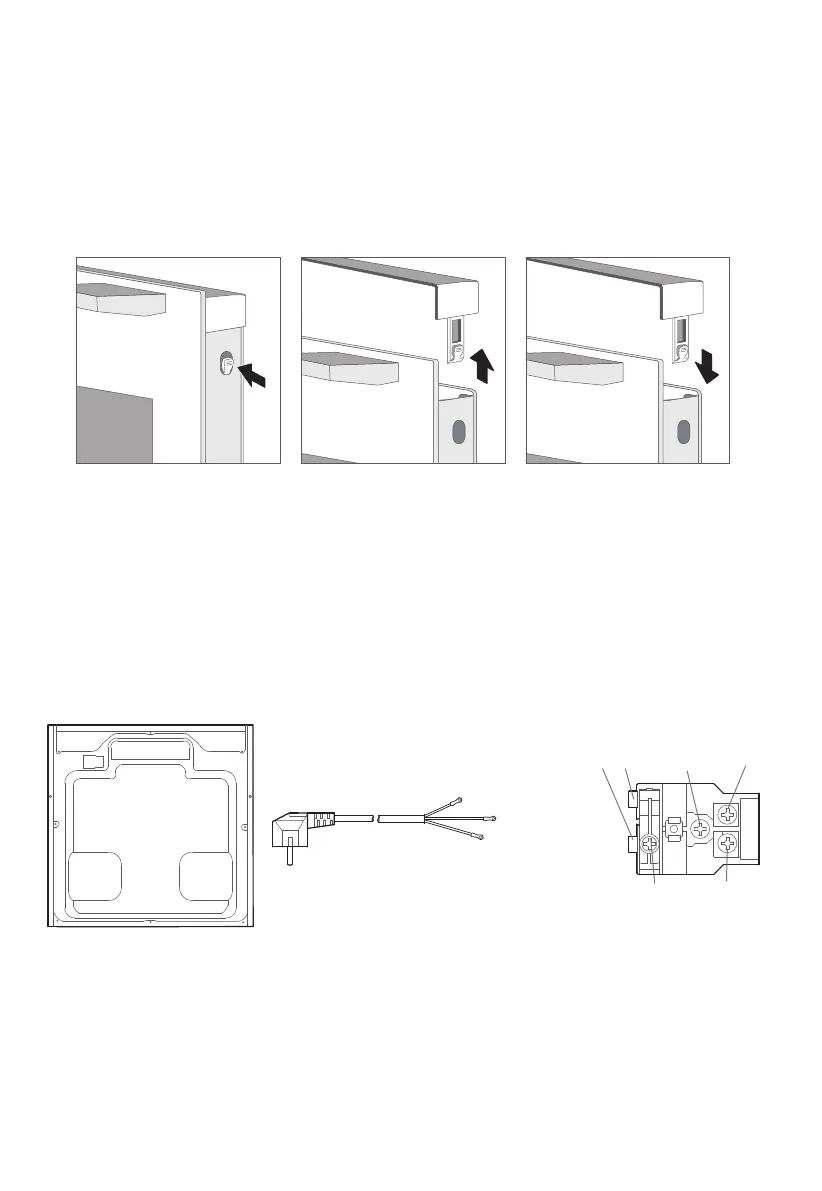
terminal boxback outer case
A
power cord
brown {L}
blue {N}
yellow/green
21
6
3
5
4
Change the power cord
Position A show the terminal box position on the back of the back outer case and it’s
closed.
Steps: a. cut off the power, use small flat screwdriver to open two snap 1,2.
b. use Phillips crewdriver to take off screws 3,4 ,5and6.
c. change the new power cord ,fix the yellow/green wire on 3,brother wire on 4,
blue wire on 5.
d. twist screw 6 closed the terminal box cover finish the chan
ging.



 To Next Page