Selecting Modes
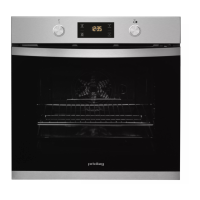
The default operating mode is switching off. If you would like to select
a cooking operating mode, you can do so using left mode-control knob.
There is a pointer on the knob, turn this knob to make the pointer to
point to the mode which you would like to choose.
Temperature Setting
If you would like to select a temperature for cooking, the way to operate
is similar with the way to select the operating mode. You can do so using
right temperature-control knob. There is a pointer on the knob, turn this
knob to make the pointer to point to the temperature which you would
like to choose.
▲
▲


 To Next Page