Switching On
As now you already finished the setting of the operating mode and
temperature. If you would like to turn the appliance on, you can do
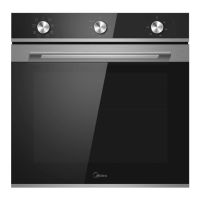
so using time-control knob. There is a pointer on the knob, turn this
knob to make the pointer to point to the cooking time which you
would like to choose. The maximum cooking time is 2 hours.
Note
For this appliance, to finish the setting of cooking time means to operate
the appliance started.
Since the second that you turn the knob away from the original position,
the appliance will start to work.
If you turn the time-control knob anti-clockwise, the gear that the knob
will arrive is STAY ON, which means the oven will work continuously
without timer controlling. Only use this when the appliance is well
supervised by a person responsible for safety who is well aware of how
to use the appliance safely and have understood the associated hazards.
After the appliance starts to be operated, the time-control knob will
slightly and continu-ously turn anti-clockwise (except STAY ON), when
the cooking has finished, the pointer will turn back to the original
position and you will hear a clear tinkle of bell to notice you.
Indicator
While the appliance starts to cook food or drink, the indicator will be
switched on to notice you . During the period of cooking, the indicator
will be on & off intermittently. This depends on if the heating elements
are working or not.
▲


 To Next Page