CLEANING AND MAINTENANCE
• Always TURN OFF your AC system and disconnect its power supply before cleaning or
maintenance.
• Only use a soft, dry cloth to wipe the unit clean. You can use a cloth soaked in warm water to wipe
it clean if the unit is especially dirty.
• Do not use chemicals or chemically treated cloths to clean the unit
• Do not use benzene, paint thinner, polishing powder or other solvents to clean the unit. They can
cause the plastic surface to crack or deform.
• Do not use water hotter than 40°C (104°F) to clean the front panel. This can cause the panel to
deform or become discolored.
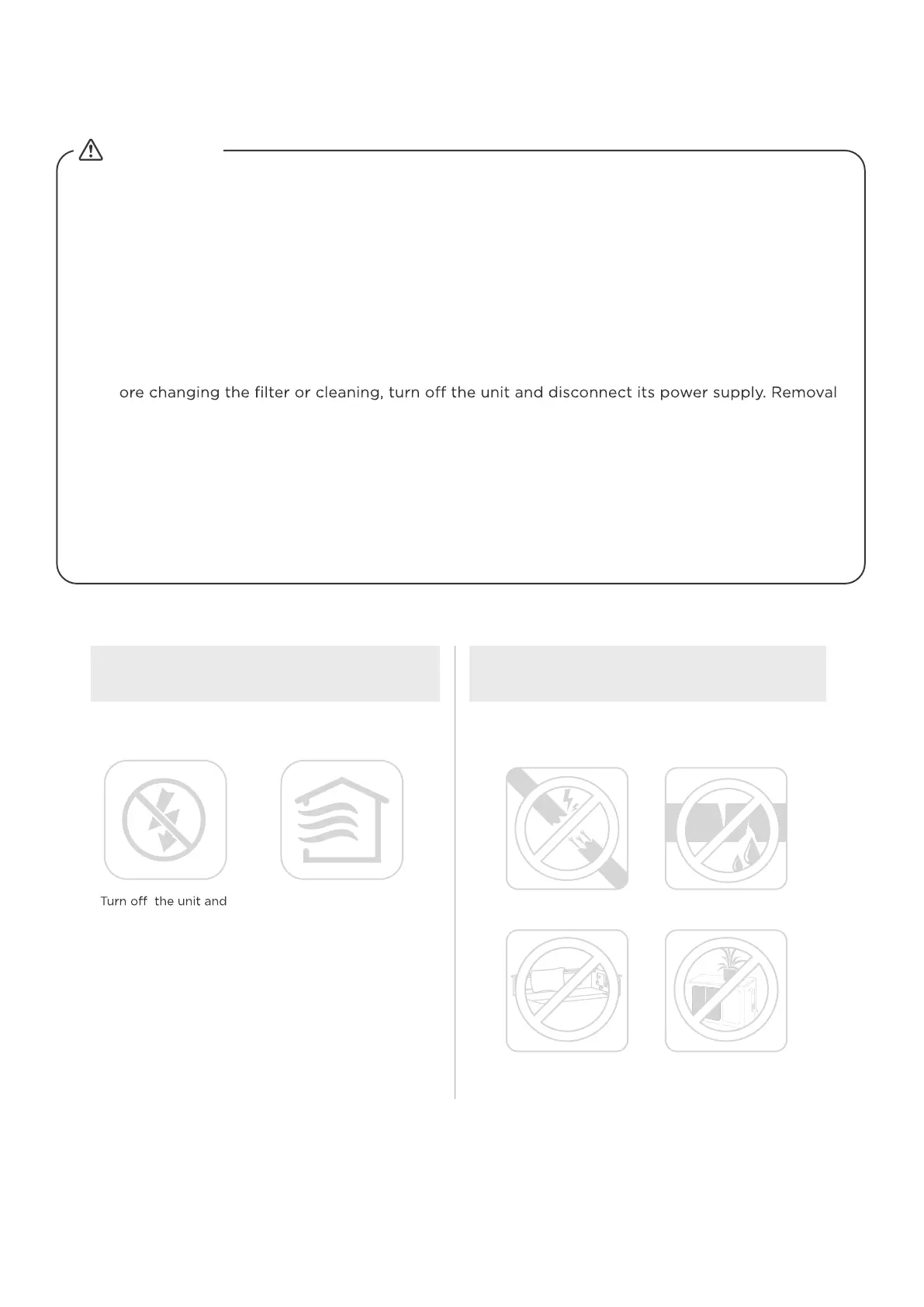
CAUTION
• Bef
and maintenance must be performed by a certified technician.
• When removing filter, do not touch metal parts in the unit. The sharp metal edges can cut you.
• Do not use water to clean the inside of the indoor unit. This can destroy insulation and cause
electrical shock.
• Do not expose filter to direct sunlight when drying. This can shrink the filter.
• Any maintenance and cleaning of outdoor unit should be performed by an authorized dealer or
a licensed service provider.
• Any unit repairs should be performed by an authorized dealer or a licensed service provider.
Cleaning Your Indoor Unit
Maintenance –
Long Periods of Non-Use
If you plan not to use your air conditioner for
an extended period of time, do the following:
Turn on FAN function until
unit dries out completelydisconnect the power
Maintenance –
Pre-Season Inspection
After long periods of non-use, or before
periods of frequent use, do the following:
Check for damaged wires
Check for leaks
Make sure nothing is blocking
all air inlets and outlets
Maintenance your AC.
64





 To Next Page