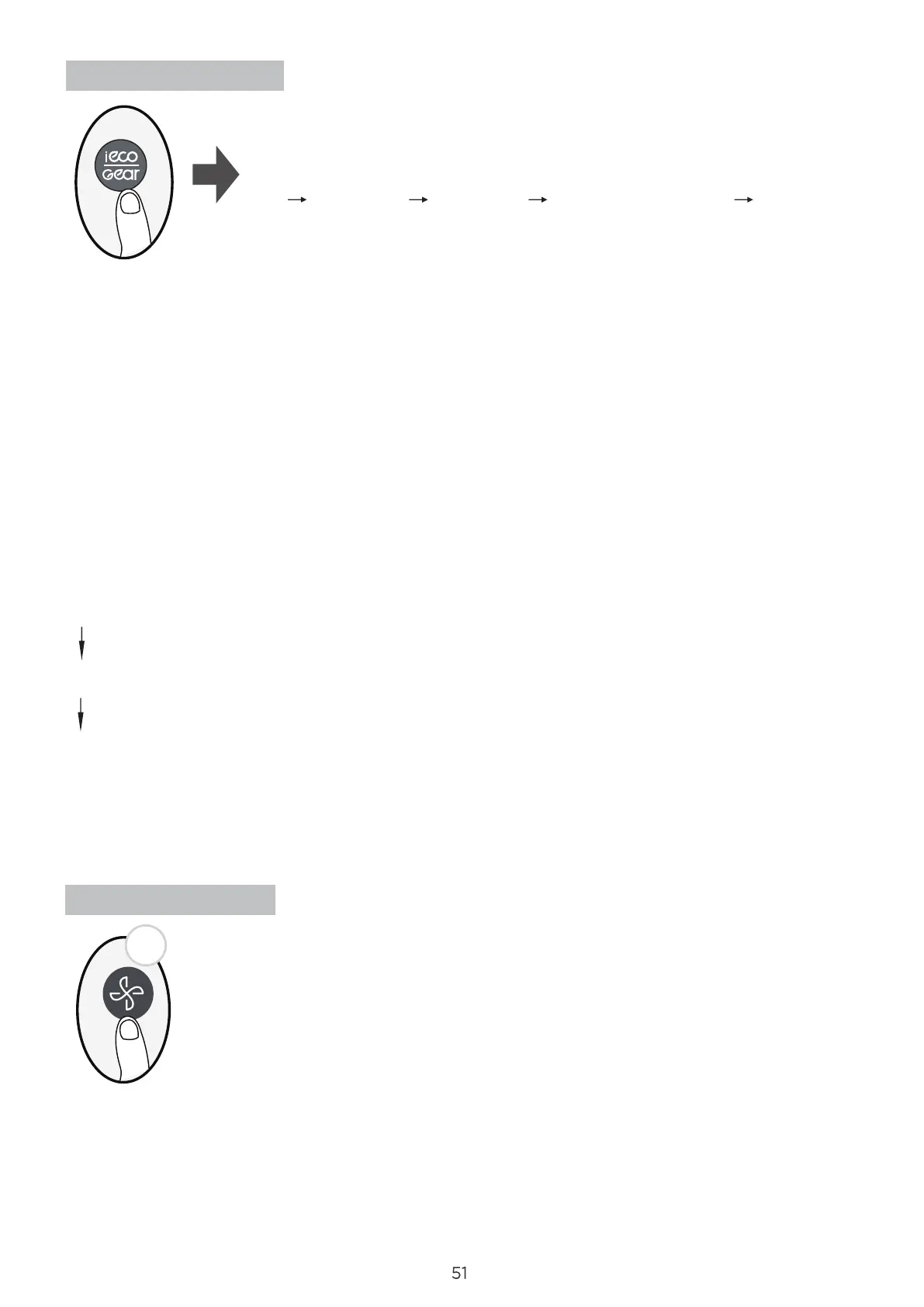
ECO/GEAR function
Under cooling mode, press this button, the remote controller will adjust the temperature
automatically to 24°C/75°F, fan speed of Auto to save energy (only when the set temperature
is less than 24°C/75°F. If the set temperature is above 24°C/75°F, press the ECO button,
the fan speed will change to Auto, the set temperature will remain unchanged.
NOTE:
Pressing the this button, or modifying the mode or adjusting the set temperature to less than
24°C/75°F will stop ECO operation.
Under ECO operation, the set tmeperature should be 24°C/75°F or above, it may result in
insucient cooling. If you feel uncomfortable, just press the ECO button again to stop it.
Keep pressing Fan button for more than 2 seconds to activate/disable
Silence function(some units).
Due to low frequency operation of compressor, it may result in insucient
cooling and heating capacity. Press ON/OFF, Mode, Sleep, Boost or Clean
button while operating will cancel silence function.
Silence function
Press this button to enter the energy ecient mode in a sequence
of following:
ECO GEAR(75%) GEAR(50%) Previous setting mode ECO......
Note:This function is only available under COOL mode.
ECO operation:
GEAR operation:
Press this button to enter the GEAR operation as following:
75%(up to 75% electrial energy consumption)
50%(up to 50% electrial energy consumption)
Previous setting mode.
Under GEAR operation, the display on the remote controller will alternate between
electical energy consumption and set temperature.
2s




 To Next Page