It is necessary to forget any other around network and make sure the Android
or iOS device just connect to the
Wi-Fi/
Wireless network you want to configure.
Make sure the Android or iOS device
Wi-Fi/
Wireless function works well and
can be connected back to your original
Wi-Fi/
Wireless network automatically.
Make sure your mobile device has already been connected to the Wi-Fi/Wireless
network which you want to use. Also, you need to forget other irrelevant Wi-Fi/
Wireless network in case it influences your configuration process.
1
2
Activate the AP mode (Read the WIRELESS MODE IN OWNER'S MANUAL for
detailed operations.).
5
NETWORK CONFIGURATION
Cautions
Kindly reminder:
Using Android device to do network configuration
User must finish all the steps in 8 minutes after powering on Dehumidifier, otherwise
you need to power on it again.
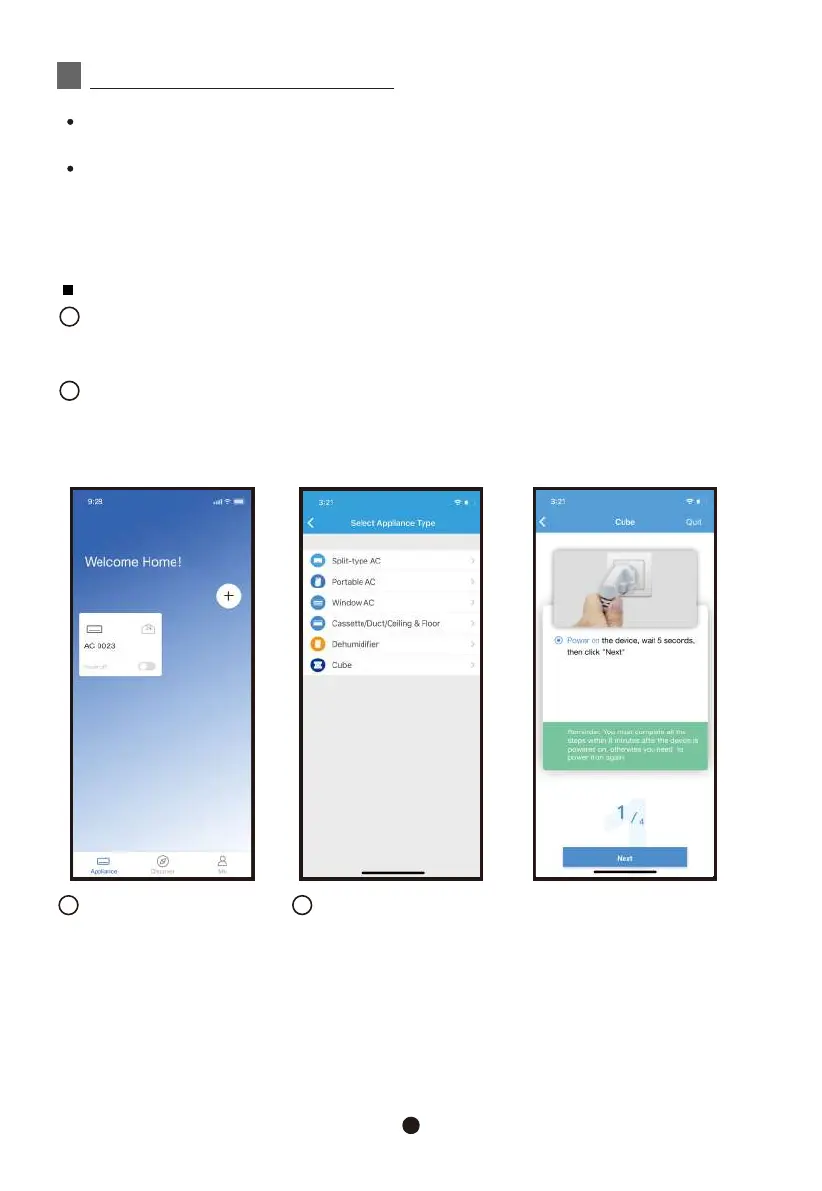
Press “ + Add Device ”
3
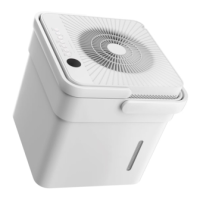
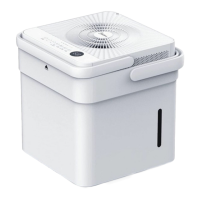
Select “Cube”
4
3



 To Next Page