Make sure your mobile device has already been connected to the Wi-Fi/Wireless
network which you want to use. Also, you need to forget other irrelevant Wi-Fi/
Wireless network in case it influences your configuration process.
1
2
Activate the AP mode (Read the WIRELESS MODE IN OWNER'S MANUAL for
detailed operations.).
Using iOS device to do network configuration
Press “ + Add Device ”
3
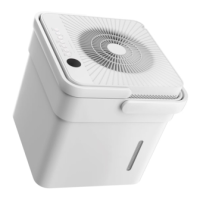
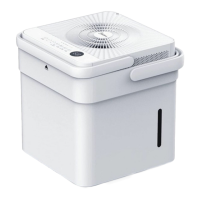
Select “Cube”
4
Configuration Success, you can see the device on the list.
11
5



 To Next Page